blog
Removing @tailwindcss/aspect-ratio: a silent failure that made every cover 0px tall
The aspect-ratio plugin replaces theme.aspectRatio, so Tailwind core stops emitting aspect-video. Image boxes collapse to 0px, every cover vanishes, and the build stays green.
- Published
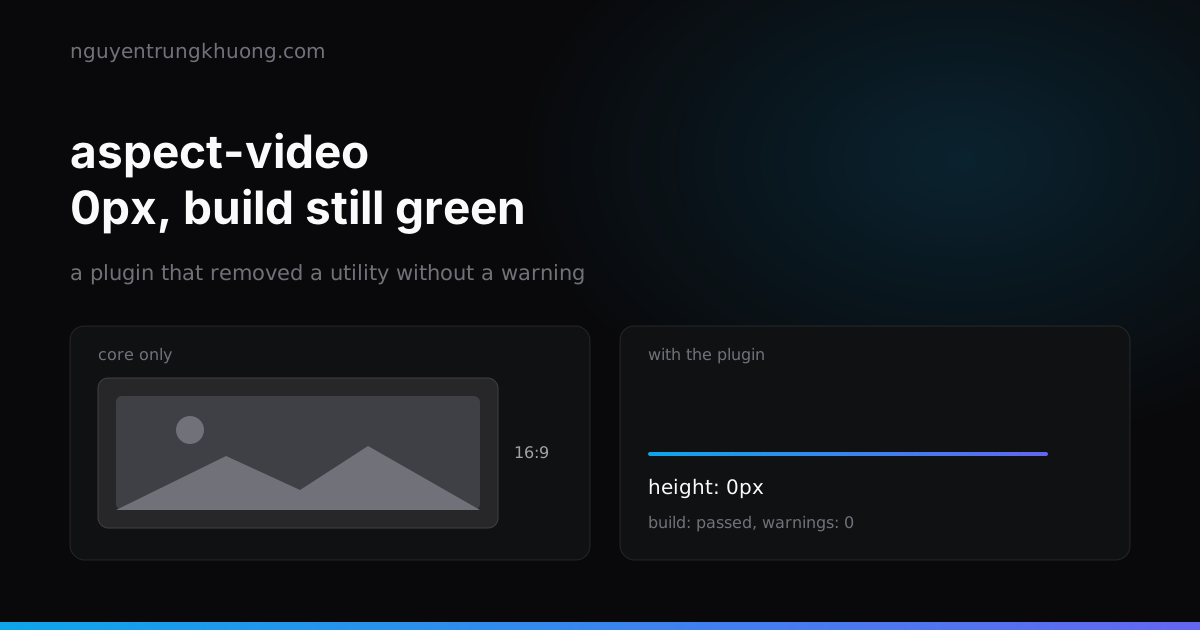
The Tailwind aspect-ratio plugin (@tailwindcss/aspect-ratio) was removed from this site on purpose. While it sat in the config, the aspect-video class disappeared from the CSS, every cover image box collapsed to 0px, and next build stayed green with no warning. This post covers the cause, how the failure slipped past every gate, and how to check so it does not come back.
The aspect-ratio plugin overrides theme.aspectRatio, and core stops emitting aspect-video
The plugin exists to serve its own aspect-w-16 aspect-h-9 syntax. To do that it replaces theme.aspectRatio with {1..16}. Tailwind core reads theme.aspectRatio to emit aspect-video and aspect-square, so once that table is replaced, those 2 classes are no longer generated.
The repo's original config also switched the core plugin off. Git history shows the plugin arrived together with that whole block:
git log --all --oneline -S aspect-ratio -- package.json tailwind.config.js
0aa5692 feat: add new blog posts and automate cover image generation pipeline
02d9ed8 baseline before upgrades
Commit 02d9ed8 (2025-10-01) put both require('@tailwindcss/aspect-ratio') and corePlugins: { aspectRatio: false } into tailwind.config.js. Commit 0aa5692 (2026-07-21) removed both:
-  corePlugins: {
-    aspectRatio: false,
-  },
   plugins: [
-    require('@tailwindcss/aspect-ratio'),
Tailwind 3 supports aspect-ratio natively. The plugin is only needed for older browsers, and I chose to drop it.
Image boxes collapse to 0px in ProjectCard, ProjectRow and Related
3 components share one pattern: a relative aspect-video box holding an <Image fill>. This is ProjectCard:
<div className="relative aspect-video w-full overflow-hidden border-b border-black/10 bg-omega-800 dark:border-white/10">
  <Image src={cover.src} alt={cover.alt || title} fill ... />
</div>
With fill, the image is positioned absolutely inside its parent, so nothing in the box pushes its height out. The height comes entirely from aspect-video. Lose that class in the CSS and the box is 0px, so every cover on /du-an, the home page and the related-post cards turns invisible. ProjectRow and Related follow the same pattern.
PostRow got off lighter: its real image has width and height, so it keeps its size, and aspect-video only sits on the { } placeholder shown when a post has no cover. A repo-wide grep finds aspect-video in 5 files (ImageGallery adds one through wrapperClassName):
grep -rn "aspect-video" components layouts pages
Green build, zero warnings: why no gate caught it
In Tailwind, a class with no matching rule is just a string inside className. There is nothing to raise an error. The HTML is valid, the CSS compiles, and the repo's gates check other things: check:seo verifies canonicals, hreflang and that the og:image file exists in out/, not whether an image box is taller than 0px.
The repo also has no test runner (AGENTS.md section 1). The last line of defense is the step in the review section: do a real build and open the page, in both light and dark mode. This bug passed every automated layer and only showed up when someone looked at the page.
It belongs to the same family as another silent failure in this repo: a missing deploy-workflow secret still builds green but inlines undefined, so the contact form and the newsletter break with nobody told.
How to detect it: check the emitted CSS instead of waiting for a warning
With no warning, you have to inspect the output. The Tailwind CLI can generate CSS from a single component file, so you can check whether aspect-video is present without building the whole site. Create a one-line input file:
printf '@tailwind utilities;\n' > in.css
Then generate CSS for ProjectCard:
npx tailwindcss -c tailwind.config.js -i in.css -o out.css --content components/ProjectCard.jsx
I ran this against the current config, and out.css contains exactly the block you want to see:
.aspect-video {
  aspect-ratio: 16 / 9
}
According to the note in tailwind.config.js, adding the plugin back makes this block disappear, so an empty grep aspect-video out.css is the failure signal. This check is not in the repo's gates yet; for now it is a command to run by hand whenever tailwind.config.js is touched.
Stop it coming back: write the trap next to the config line
Next time someone (or an agent) reads aspect-w-16 in a doc and wants to add the plugin, whatever stops them must sit exactly where they will edit. The repo records the trap in 2 places: a comment right above the plugins block in tailwind.config.js, and AGENTS.md section 4 with a "do not add it back" line. The comment in the config states both cause and consequence (translated here from Vietnamese):
// DO NOT re-add @tailwindcss/aspect-ratio. That plugin overrides `theme.aspectRatio`
// with {1..16} to serve its `aspect-w-16 aspect-h-9` syntax, so core no longer
// generates `aspect-video`/`aspect-square`.
The config note says the plugin is only needed for older browsers, so that group is the only one that loses out from dropping it, and I accept that. The aspect-w-16 aspect-h-9 syntax is used nowhere else in the repo: grepping components, layouts, pages and styles finds no aspect-w- or aspect-h-.
Related posts
all posts →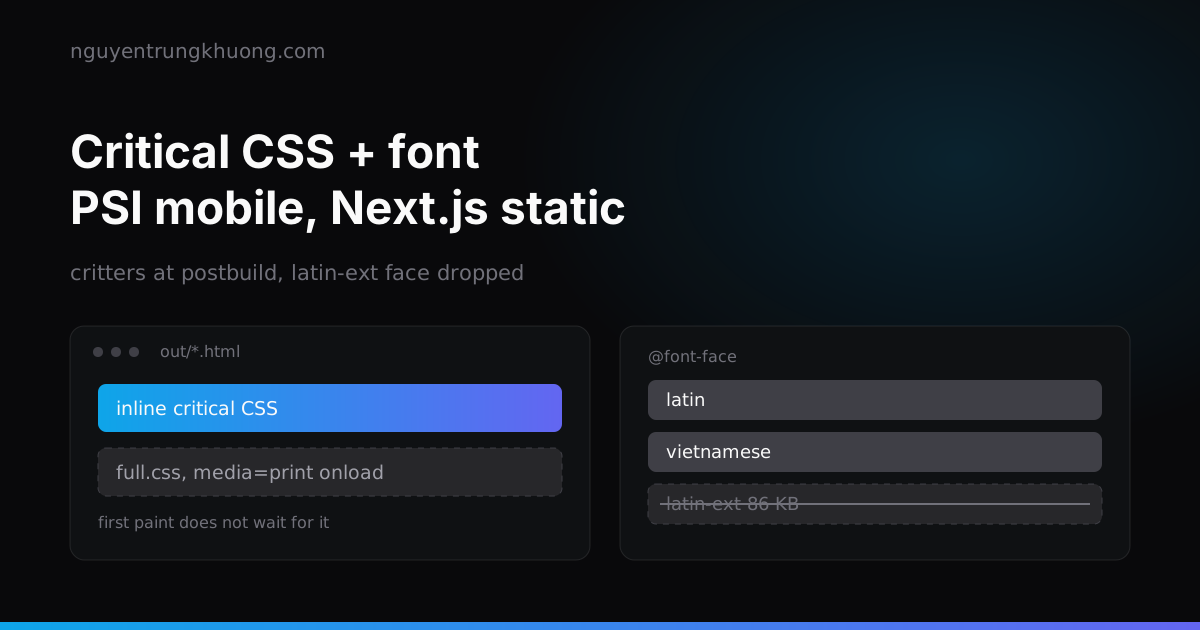 Critical CSS for static Next.js: critters, fonts and the first screen on PSI mobileMy static Next.js site hit 3 PSI mobile traps: render-blocking CSS, inlined fonts loading too early, and JS gating the first screen. Here is how I fixed each, starting with critical CSS from critters at postbuild.read more →
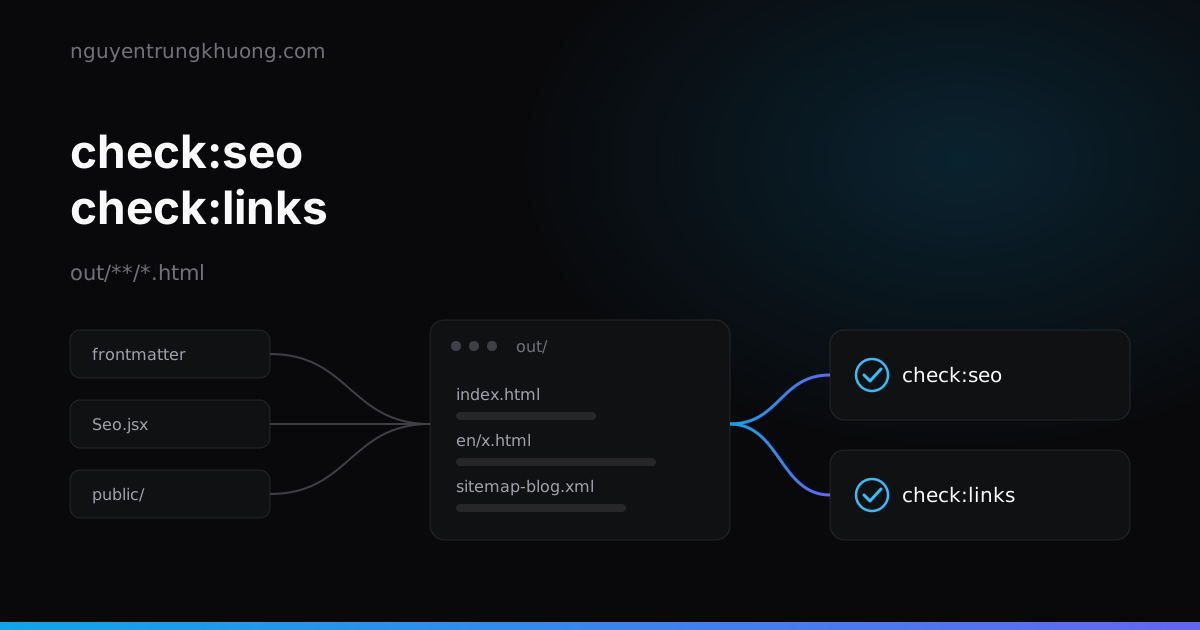 SEO and link gates on the Next.js build output: check the built HTML, not the source2 postbuild gates read out/**/*.html: canonical, og:image, two-way hreflang, duplicate titles, sitemap xhtml:link and dead internal links. A failure stops the build before deploy.read more →
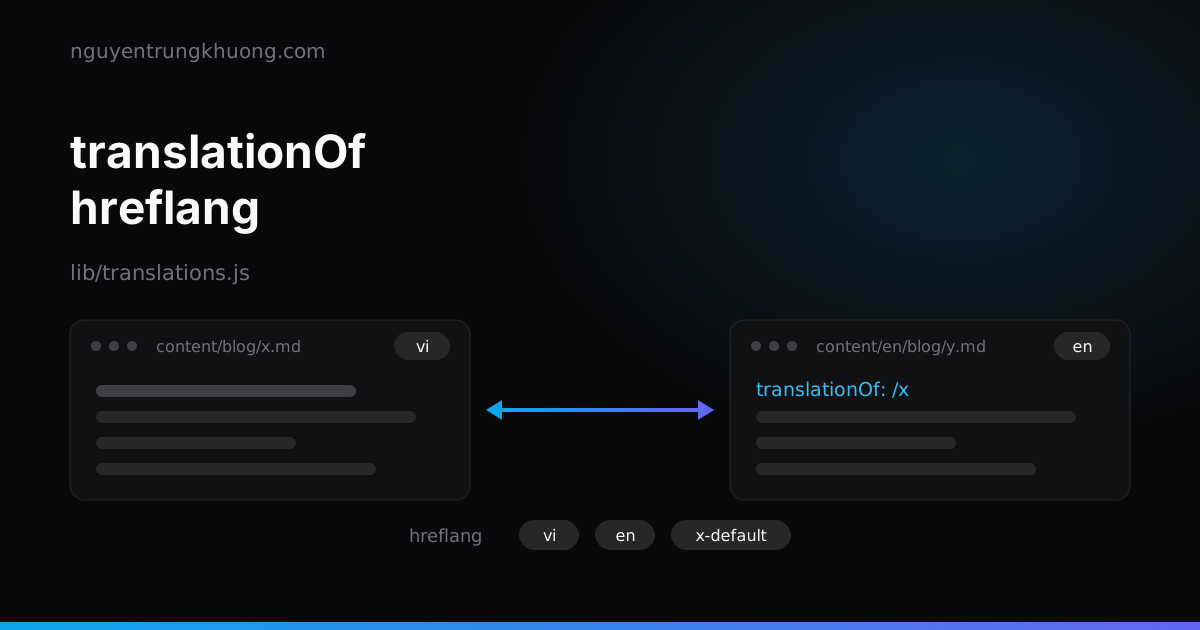 Bilingual Next.js static blog: translationOf, hreflang and a build-failing gateEach post is 2 Markdown files joined by a single translationOf line. The URL map, hreflang tags, language switch and a build-failing gate all derive from that line, with no Next i18n.read more →
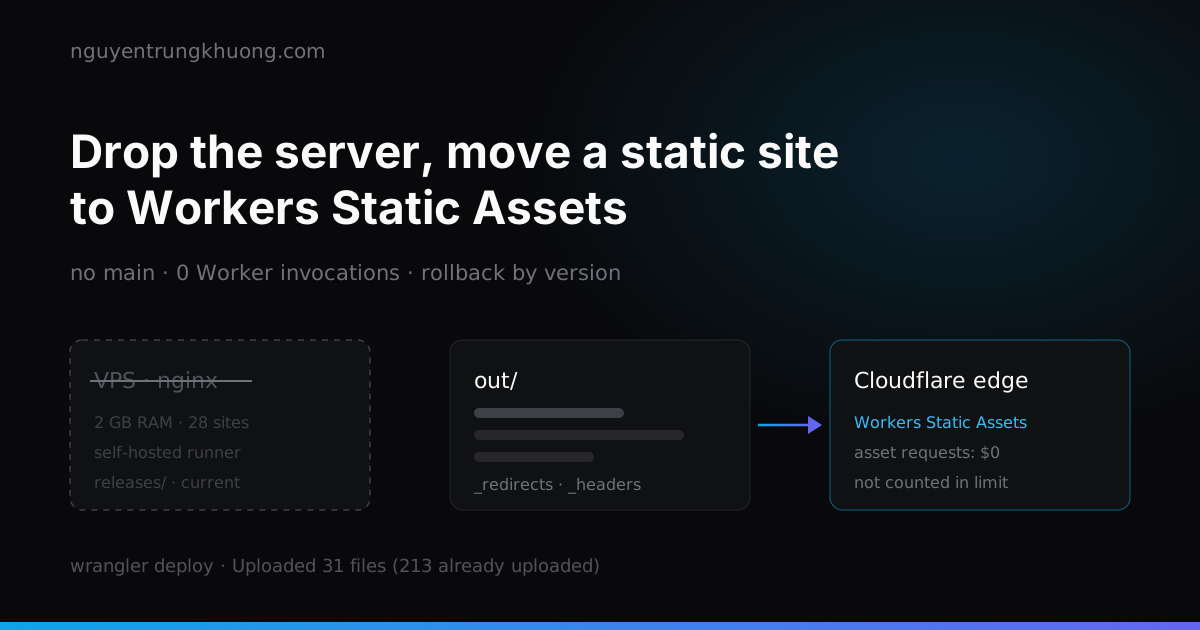 Dropping the server: moving a static Next.js site to Cloudflare Workers Static AssetsThis site is only HTML, JS and images, yet it used to live on a 2 GB RAM VPS shared with about 28 other sites. How I moved it to Workers Static Assets: translating the nginx config into _redirects and _headers, why requests do not count against the Free plan limit, and 2 places I tripped after the move.read more →