blog
Dropping the server: moving a static Next.js site to Cloudflare Workers Static Assets
This site is only HTML, JS and images, yet it used to live on a 2 GB RAM VPS shared with about 28 other sites. How I moved it to Workers Static Assets: translating the nginx config into _redirects and _headers, why requests do not count against the Free plan limit, and two places I tripped after the move.
- Published
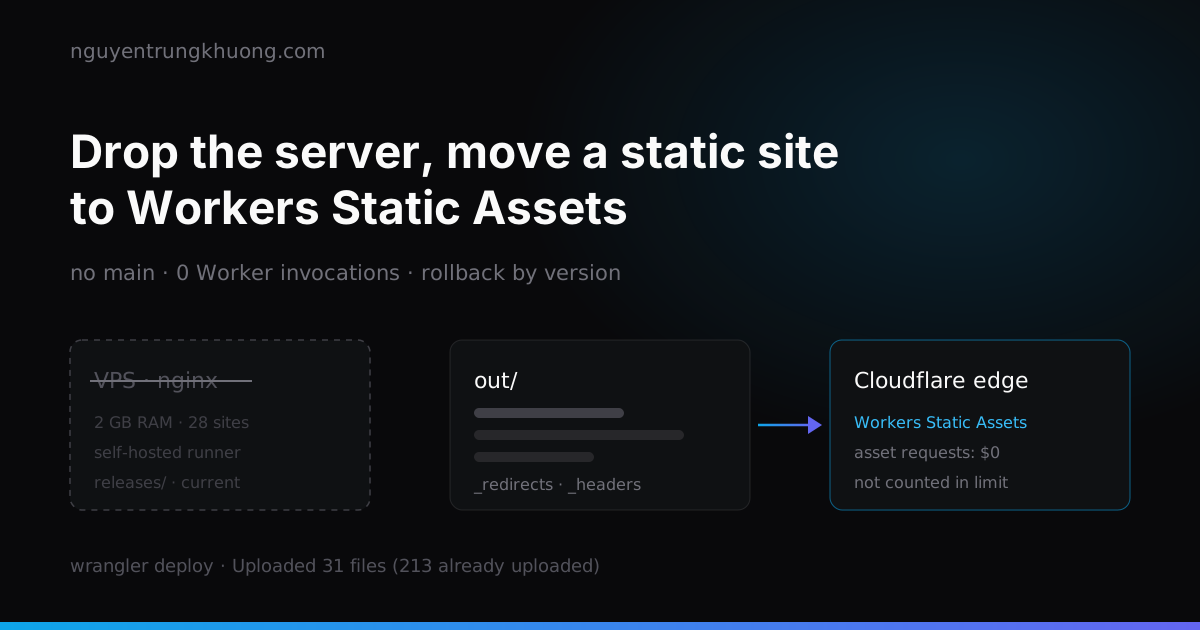
nguyentrungkhuong.com is a Next.js output: 'export' site: after the build, all that is left is HTML, JS and images in out/. It needs no Node and no PHP, yet until early October 2026 it still sat on a VPS running nginx plus a self-hosted GitHub Actions runner. On 14 Oct 2026 I moved it to Cloudflare Workers Static Assets. Now there is no server left to patch, and every page of the site is a static file, the kind of request the Free plan does not count against its limit.
A static site on a shared VPS: RAM spent on builds, time spent on upkeep
That VPS had 2 GB of RAM, hosted about 28 sites and was already into swap. next build needs 1–2 GB of RAM, so every deploy was a fight for RAM with the other sites. On 12 Oct 2026 I moved the build step to GitHub's ubuntu-latest runner, and the server only received the artifact and switched a symlink, as described in the post on a CI/CD pipeline that builds static files on the server.
After that split, what remained on the server was nginx serving files, plus a runner to keep updated and an operating system to patch. The site already went through Cloudflare's proxy, so letting Cloudflare serve the files itself was the next step: requests no longer have a leg back to the VPS.
Measured from my machine in Vietnam on 28 Oct 2026, five times per URL: median TTFB about 120ms for /, /blog and one post page, header cf-cache-status: HIT, requests served from the HKG location. I have no measurement of the same kind from before the move, so this number does not prove the site is faster than it was.
Static Assets do not invoke a Worker: free, not counted against 100,000 requests/day
The khuong Worker has no code. The wrangler.jsonc file only declares the asset folder, with no main:
{
  "name": "khuong",
  "compatibility_date": "2026-09-01",
  "workers_dev": false,
  "preview_urls": false,
  "routes": [
    { "pattern": "nguyentrungkhuong.com/*", "zone_name": "nguyentrungkhuong.com" }
  ],
  "assets": {
    "directory": "./out",
    "html_handling": "auto-trailing-slash",
    "not_found_handling": "404-page"
  }
}
The missing main decides the cost. The Static Assets billing page says "Requests to static assets are free and unlimited". The Free plan limit of 100,000 requests/day, reset at 00:00 UTC and shared across the whole account, only counts requests that run Worker code. GraphQL workersInvocationsAdaptive data from 21 to 28 Oct 2026 confirms it: khuong and khuong-cdn (the Worker for cdn.nguyentrungkhuong.com) had zero invocations, while the apex received about 3,500 requests/day.
The Free plan has two more limits for assets: 20,000 files per version and 25 MiB per file. The current build has 265 files, far below the ceiling.
Translating the nginx config into _redirects, _headers and wrangler.jsonc
Everything nginx used to do has a counterpart. _redirects and _headers live in public/, and Next copies them into out/ at export time, so they ship with every build.
| Old nginx | Workers Static Assets |
|---|---|
try_files $uri $uri.html $uri/index.html | html_handling: "auto-trailing-slash" |
location ~ ^/blog/([^./]+)$ { return 301 /$1; } | the line /blog/:slug /:slug 301 in public/_redirects |
error_page 404 /not-found.html | not_found_handling: "404-page", plus a file copy step |
add_header Cache-Control ... per location | path blocks in public/_headers |
www to apex | a zone Redirect Rule, outside the Worker |
auto-trailing-slash replaces try_files, with a 307 for the .html suffix
/gioi-thieu returns out/gioi-thieu.html with status 200, the same as try_files. The difference: typing /gioi-thieu.html directly makes Cloudflare redirect with a 307 to /gioi-thieu, while nginx served the file as is. So each page now has only one URL that returns 200.
A placeholder in _redirects matches only one segment
/blog/ /blog 301
/blog/:slug /:slug 301
/projects/:slug /:slug 301
A placeholder matches any character except /, so /blog/:slug catches /blog/hy3-tencent-danh-gia (301 to /hy3-tencent-danh-gia) but leaves /blog/page/2 alone. Pagination pages therefore need no exception rule, unlike the [^./]+ regex on the nginx side. To match several segments, use a splat *, one splat per rule. A file holds at most 2,000 static redirects and 100 dynamic ones.
The 404 page must be named 404.html
not_found_handling: "404-page" looks for the nearest 404.html, while Next exports that page as not-found.html. The workflow copies it with one line before deploying:
      - name: 404 page
        run: cp out/not-found.html out/404.html
_headers removes an inherited header with !
The /* rule sets a 300-second Cache-Control on everything. Folders with a hash in their file names need a one-year cache, so the specific rule has to remove the general rule's header first:
/*
  Cache-Control: public, max-age=300, s-maxage=300, stale-while-revalidate=60

/_next/static/*
  ! Cache-Control
  Cache-Control: public, max-age=31536000, immutable
Without the ! Cache-Control line, files in /_next/static/ get both values joined by a comma.
Checks after deploy
curl -sI https://<site>/<page>.htmlreturns a 307 to the URL without the suffixcurl -sI https://<site>/blog/<slug>returns 301,/blog/page/2returns 200curl -sI https://<site>/does-not-existreturns 404 with the not-found page contentcurl -sI https://<site>/_next/static/...has only oneCache-Control
Bot Fight Mode blocked my own smoke test
The first deploy to Workers was green up to the last step, then went red: the smoke test calling https://nguyentrungkhuong.com/ from the GitHub runner got a 403. The zone's Bot Fight Mode saw an IP in ASN 8075 (Azure, where the runners live) and served a challenge. The site was up; only the runner was blocked.
A challenged response carries the header cf-mitigated: challenge, so the smoke test can tell this case apart from a real failure:
headers=$(curl -sS -o /dev/null -D - "$url")
code=$(awk 'NR==1 {print $2}' <<<"$headers")
if [ "$code" = "403" ] && grep -qi '^cf-mitigated: challenge' <<<"$headers"; then
  echo "::warning::$url challenged by Bot Fight Mode for the GitHub runner IP, not checked"
  continue
fi
test "$code" = "200" || { echo "::error::$url returned $code"; exit 1; }
After that I turned Bot Fight Mode off and replaced it with a rate limiting rule: 20 pages per 10 seconds per IP, skipping cf.client.bot (verified bots such as Googlebot) and every path ending in .txt (robots.txt, ads.txt). In the 24 hours up to the morning of 28 Oct 2026, the rule returned 1,025 responses with status 429, all of them scanners probing /.env and /secrets.json from a few IP ranges in Belgium and the Netherlands.
The more specific route wins, and routes ignore the query string
The site's /ads.txt is served by another Worker, attached through the route nguyentrungkhuong.com/ads.txt. That route is more specific than the nguyentrungkhuong.com/* route of the khuong Worker, so it takes priority. The consequence: adding public/ads.txt to the repo does nothing, because that file is never served.
I tripped on the query string. A route only matches a URL with a query when the pattern ends in *. curl -sI https://nguyentrungkhuong.com/ads.txt returns 200, while /ads.txt?x=1 falls through to the /* route, where no file has that name, and comes back 404. Add ?nocache=1 to dodge the cache during a manual check and you will think the file is gone.
Deploy and rollback without a server
.github/workflows/deploy.yml now has two jobs, both on ubuntu-latest. The build job runs npm run build:static and uploads out/ as an artifact. The publish job downloads the artifact, copies the 404 page, then:
      - name: Deploy site
        env:
          CLOUDFLARE_API_TOKEN: ${{ secrets.CLOUDFLARE_API_TOKEN }}
          CLOUDFLARE_ACCOUNT_ID: ${{ vars.CLOUDFLARE_ACCOUNT_ID }}
        run: npx --yes "$WRANGLER" deploy --message "${GITHUB_SHA::7}"
wrangler compares the hash of each file and uploads only the ones that changed. The deploy on 24 Oct 2026 read 265 files, uploaded 31, skipped 213 that were already there, and took 1.48 seconds. The whole workflow, from push to a green smoke test, takes about 94–98 seconds, against 106–149 seconds for the self-hosted runner deploys in July and August 2026. Speed was not the reason for the move; most of the time still goes to npm ci and next build.
Rollback needs no rebuild. Every deploy is a version, and the rollback.yml workflow calls:
npx --yes wrangler@4.144.0 deployments list
npx --yes wrangler@4.144.0 rollback <version-id> --message "rollback from GitHub Actions" --yes
The releases/ folder with its current symlink on the server is no longer needed. The domain's proxied DNS record stays as it was, so in the worst case, removing the nguyentrungkhuong.com/* route in the dashboard sends traffic back to the old origin.
The trade-off of handing everything to Cloudflare
The site now depends entirely on one provider, and there are no more nginx access logs, only Cloudflare analytics. Any feature that needs server-side code (a self-hosted form handler, an API, SSR) turns requests into counted requests, and going over the limit means error 1027 for the whole site. The contact form and the newsletter still call Web3Forms and Mailchimp straight from the browser, so they do not touch this limit yet. If I add anything that runs on the server, I will put it in a separate Worker on a separate route, so the main site stays pure assets.
Related posts
all posts →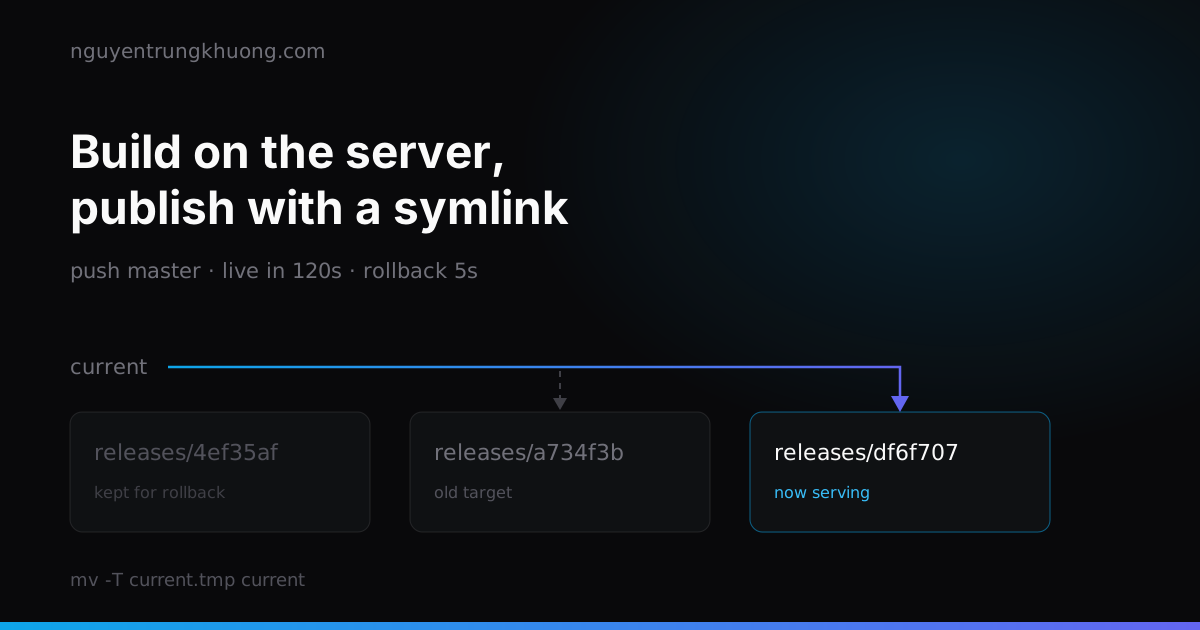 Stop committing out/: a CI/CD pipeline that builds static files on the server29 of the 51 commits in this repo touched the build output folder. How I dropped it for good: a self-hosted runner that builds on the server, a publish that is one symlink swap, a Cloudflare purge, and three bash traps that only showed up under test.read more →
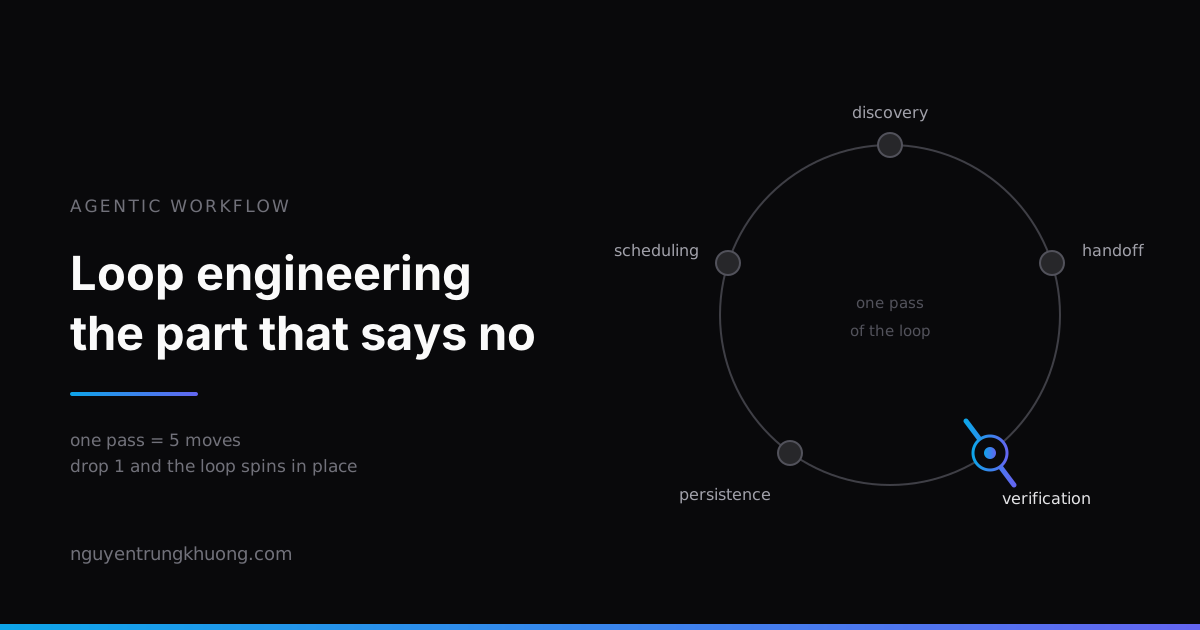 Loop engineering: stop prompting the agent, design the loop that prompts itBuilding a loop for an agent now takes fifteen minutes. The hard part is putting something inside it that dares to say "no". The five moves of one pass, five ways a loop fails, and the real loop on this site, which is halfway there.read more →
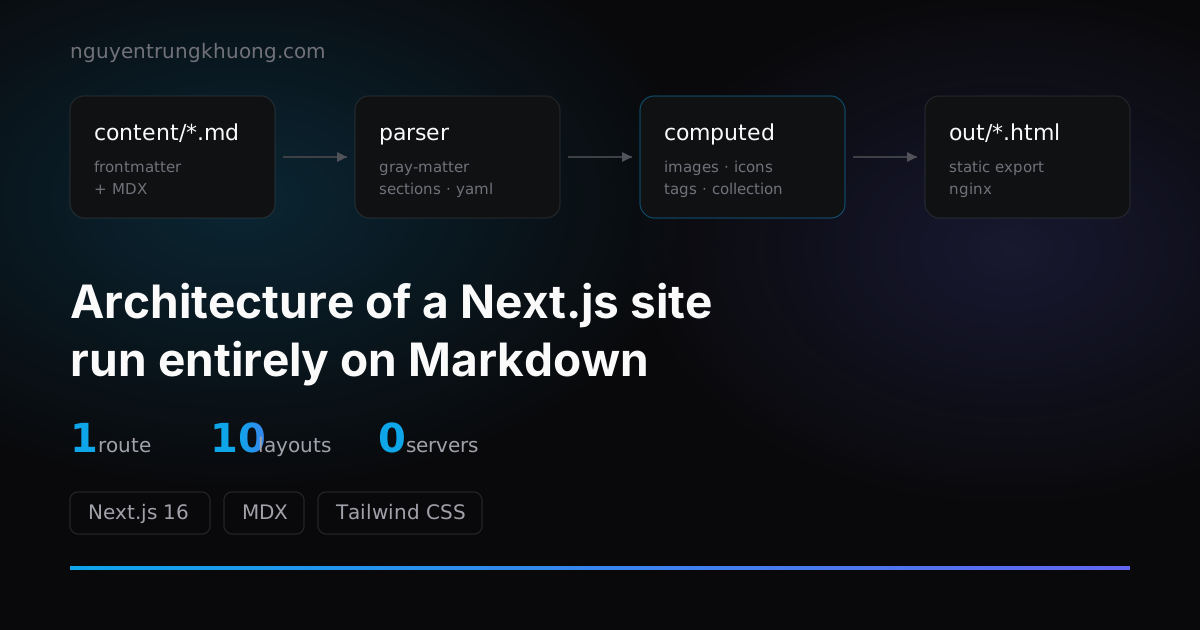 1 route, 10+ layouts: the architecture of a Next.js site run entirely on MarkdownThis whole site renders from exactly 1 route file. The pipeline behind it: frontmatter split into sections, computed fields, a layout registry and collections.read more →
 Upgrading Next.js 15 to 16: Turbopack, static export and three snagsNotes from upgrading this site to Next.js 16: why I kept static export for Nginx, where Turbopack is stricter than webpack, and the three bugs that ate the most hours.read more →