blog
Deferred GA4 and AdSense in a static Next.js site: 1.3 MB of JS out of the head
gtag.js and adsbygoogle.js add up to about 1.3 MB of uncompressed JS. One component loads them after the first interaction or when the browser is idle, only on the real domain, so they stay off the main thread during page load.
- Published
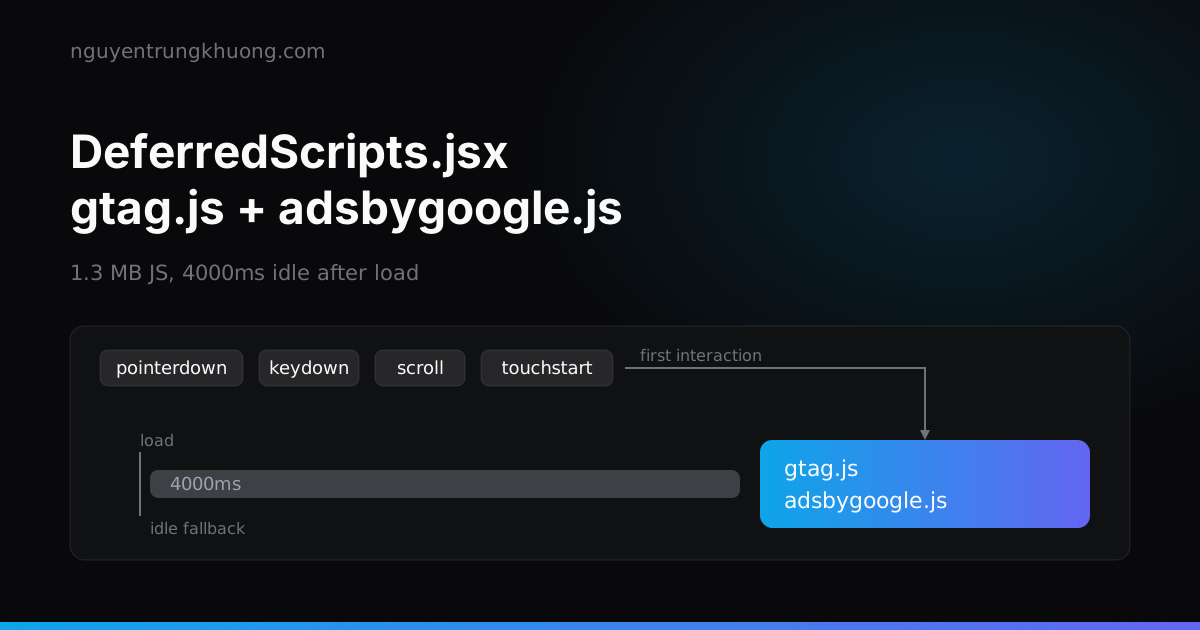
This site uses deferred GA4 and AdSense: components/DeferredScripts.jsx adds gtag.js and adsbygoogle.js only after the reader's first interaction, or when the browser is idle 4 seconds after load. AdSense loads only on the real domain. GA4 loads only when the build has NEXT_PUBLIC_GA_ID, and that stays empty locally, so development traffic is not counted.
1.3 MB of GA4 and AdSense JS must not sit in the head
AdSense Auto ads is about 800 KB and GA is about 500 KB, both uncompressed: those numbers are written in the DeferredScripts.jsx file itself. The comment there gives the reason: loaded early, the 2 scripts compete with rendering on the main thread during page load and drag down TBT and LCP on PageSpeed Insights. The rule in AGENTS.md is shorter: do not move them back to a <script> in <head>.
Only one meta tag stays in <head>, in pages/_document.js (comments in the snippets are translated from the Vietnamese original):
{/* AdSense: site verification meta. The Auto ads script loads late in components/DeferredScripts.jsx */}
<meta name="google-adsense-account" content={siteMetaData.adsenseClient} />
Site verification relies on this meta tag, so no early script is needed. The same comment notes that if a CSP is added later, Google's domains must be allowed.
pages/_app.js mounts the component once, right after the layout tree:
<MDXProvider components={MDXComponents}>
  {getLayout(<Component {...pageProps} />, pageProps)}
</MDXProvider>
<DeferredScripts />
DeferredScripts returns null, so it adds nothing to the DOM except at most 2 <script> tags created at runtime.
Deferred GA4 and AdSense: first interaction or 4000ms idle after load
There are 2 triggers, and whichever comes first wins:
const EVENTS = ['pointerdown', 'keydown', 'scroll', 'touchstart']
const IDLE_FALLBACK_MS = 4000

useEffect(() => {
  let loaded = false
  let timer

  const cleanup = () => {
    clearTimeout(timer)
    window.removeEventListener('load', startTimer)
    EVENTS.forEach((event) => window.removeEventListener(event, load))
  }

  function load() {
    if (loaded) return
    loaded = true
    cleanup()
    loadAll()
  }

  function startTimer() {
    timer = setTimeout(
      () => ('requestIdleCallback' in window ? window.requestIdleCallback(load, { timeout: 2000 }) : load()),
      IDLE_FALLBACK_MS
    )
  }

  if (document.readyState === 'complete') startTimer()
  else window.addEventListener('load', startTimer, { once: true })
  EVENTS.forEach((event) => window.addEventListener(event, load, { once: true, passive: true }))

  return cleanup
}, [])
Trigger 1 is the 4 events pointerdown, keydown, scroll and touchstart, attached with { once: true, passive: true }. Mouse movement is not in the list: moving the pointer alone does not count as an interaction.
Trigger 2 is a timer. It starts only after the load event (or immediately if the page is already complete), waits 4000ms, then asks for requestIdleCallback with timeout: 2000. The worst case is 4000ms plus 2000ms after load. A browser without requestIdleCallback gets load() called directly after 4000ms.
The loaded flag blocks a double load when both triggers fire, and cleanup removes every listener and the timer; it is also the effect's return function. The dependency array is empty, so the effect runs once when _app mounts.
loadAll: GA4 only with GA_ID, AdSense only on the real domain
const loadAll = () => {
  if (GA_ID) {
    window.dataLayer = window.dataLayer || []
    // gtag.js reads the real `arguments` object, not a rest array
    window.gtag = function gtag() {
      window.dataLayer.push(arguments)
    }
    window.gtag('js', new Date())
    window.gtag('config', GA_ID)
    addScript(`https://www.googletagmanager.com/gtag/js?id=${GA_ID}`)
  }

  // Real domain only: AdSense rejects localhost and counts impressions wrongly in dev
  if (ADSENSE_CLIENT && window.location.hostname === new URL(siteMetaData.siteUrl).hostname) {
    addScript(`https://pagead2.googlesyndication.com/pagead/js/adsbygoogle.js?client=${ADSENSE_CLIENT}`, {
      crossorigin: 'anonymous',
    })
  }
}
The GA4 part: the gtag function is defined, then the 2 commands js and config are pushed into dataLayer, all before addScript runs. The function pushes arguments and not a rest array because, per the comment in the code, gtag.js reads the real arguments object. The config command runs exactly once per page load.
NEXT_PUBLIC_GA_ID is inlined into the bundle at build time. In .env.example that line is commented out, so .env.local is empty, GA_ID is undefined and the GA4 branch does not run: in development no hit goes to the real property. The deploy workflow sets the variable for the production build. Changing the value means rebuilding.
The AdSense part: the page hostname must equal the hostname of siteMetaData.siteUrl. It is a strict comparison, so localhost, a preview domain or www will not load ads. For www that costs nothing, because the apex is the only domain that serves pages: www is redirected to it by a Redirect Rule in the zone.
Check with grep: only one file mentions the 2 Google domains
The "not in head" rule can be checked with one command over the code that runs on the site:
grep -rnE "googletagmanager|googlesyndication" components pages lib theme.config.js layouts
components/DeferredScripts.jsx:32:    addScript(`https://www.googletagmanager.com/gtag/js?id=${GA_ID}`)
components/DeferredScripts.jsx:37:    addScript(`https://pagead2.googlesyndication.com/pagead/js/adsbygoogle.js?client=${ADSENSE_CLIENT}`, {
Anyone who adds a <script src> to those 2 domains in _document.js or a layout makes this command print extra lines. No script in the repo checks this, so I run the grep after every edit to _document.js.
Page views on route change: let GA4 count them
The site navigates with the client-side router, so there is no new page load. The repo has no router hook that calls gtag('event', 'page_view'). The comment in the code and AGENTS.md say the same thing: GA4 counts route changes itself through enhanced measurement, the stream option for page changes based on browser history (pageChangesEnabled).
This depends on something outside the repo. That option is a GA4 stream setting, so if someone turns it off, page views on route change disappear and no file in the repo changes.
The cost of deferring: early leavers are not counted
Until gtag.js loads, GA4 does not know anyone visited. A visitor who opens a page and closes it before any pointerdown, keydown, scroll or touchstart, and before the 4000ms mark after load, leaves no hit. I have not measured that share on this site. Ads work the same way: Auto ads start at the same mark. The description in this post is read from the code; I have not opened the Network panel on the production build to measure the real load time.
To add any other third-party script, add it to loadAll, not to <head>. Any service that receives reader data also requires editing content/chinh-sach-bao-mat.md and that page's updated at the same time, because the page is a condition of AdSense.
Related posts
all posts →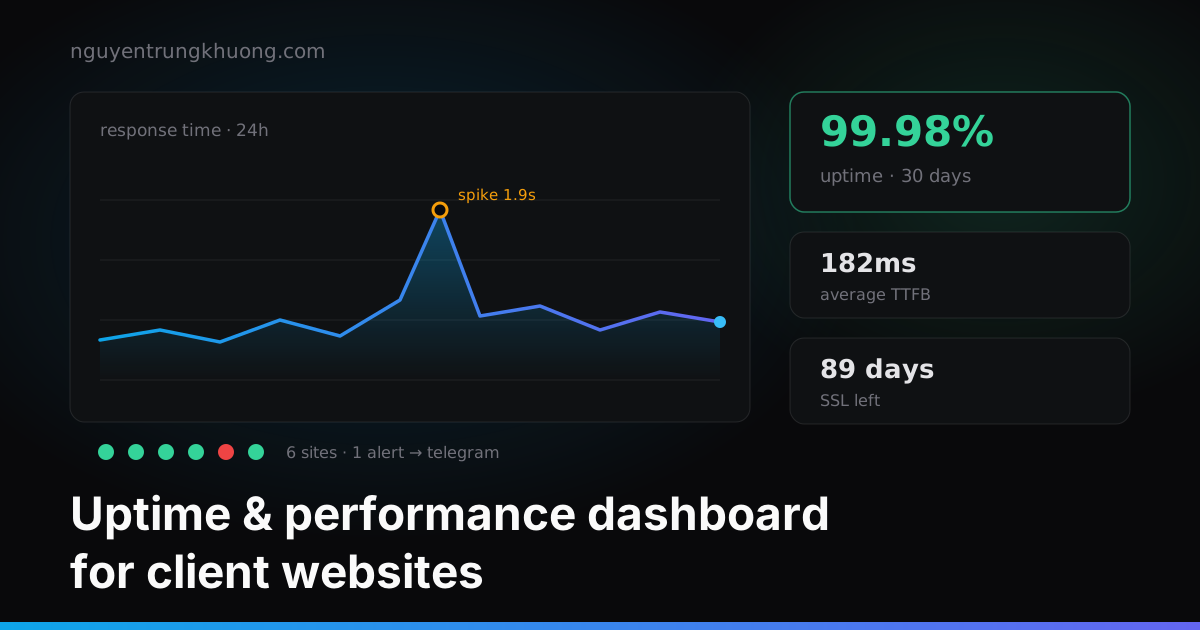 Building my own uptime dashboard for 30 client websitesClients called to say their site was down before I knew. How I track uptime, response time and SSL expiry for 30 sites without producing a pile of junk alerts.read more →
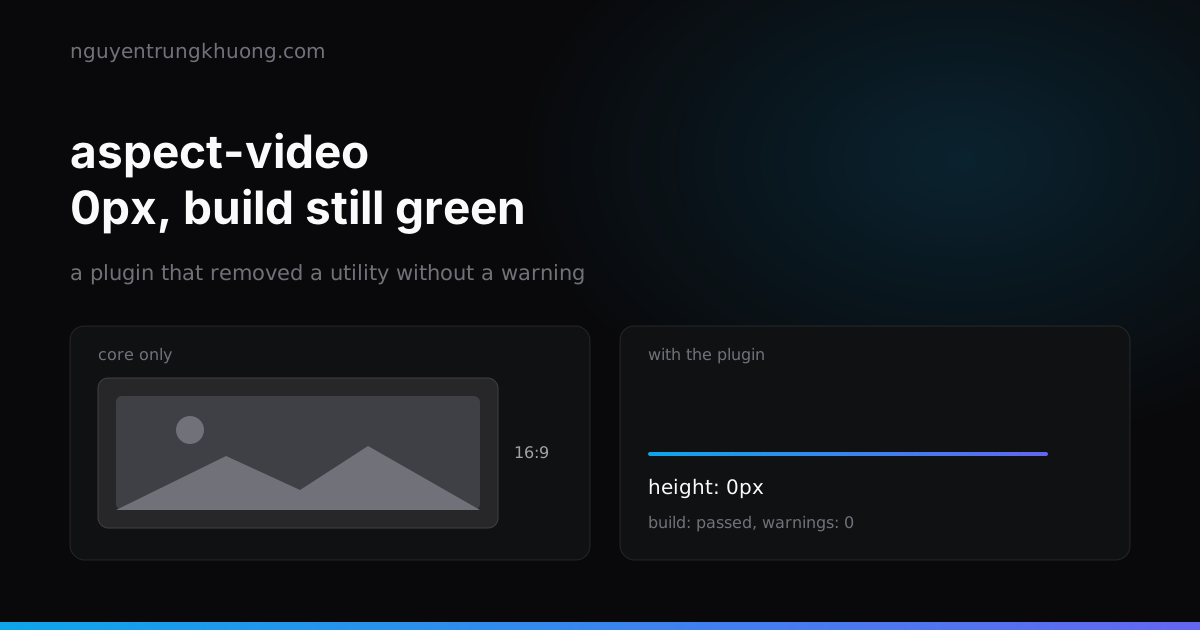 Removing @tailwindcss/aspect-ratio: a silent failure that made every cover 0px tallThe aspect-ratio plugin replaces theme.aspectRatio, so Tailwind core stops emitting aspect-video. Image boxes collapse to 0px, every cover vanishes, and the build stays green.read more →
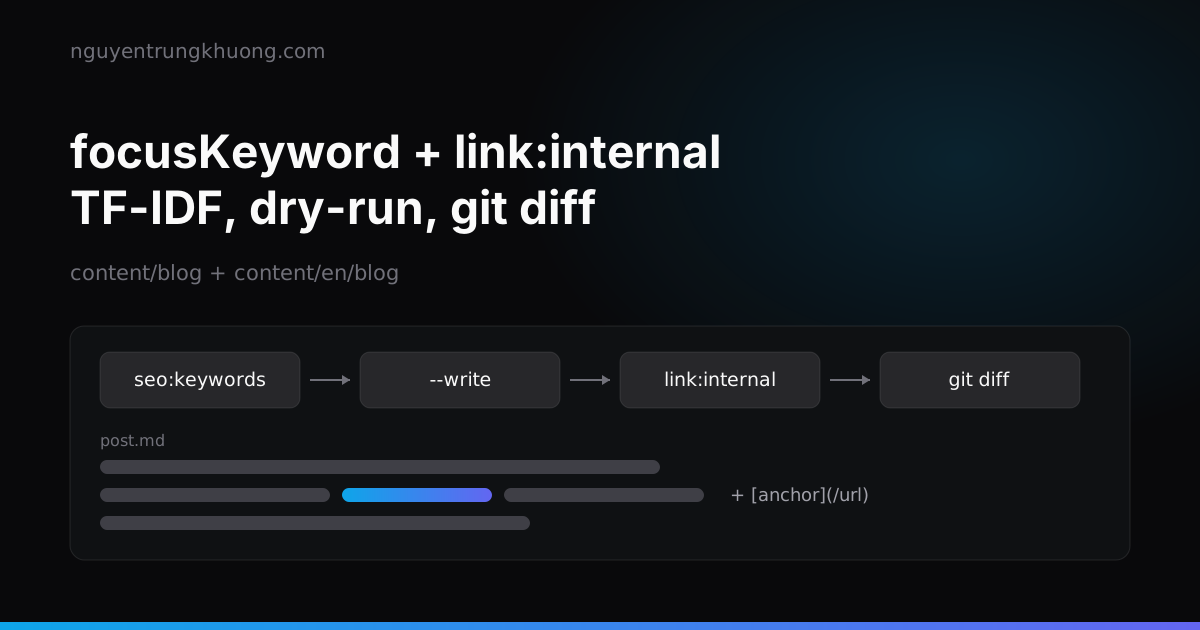 Automatic internal links and TF-IDF focus keywords for a bilingual Markdown blogTF-IDF suggests the focus keyword, a Node script writes internal links straight into the .md files of each language, and I review every anchor with git diff instead of letting the build insert them.read more →
 Critical CSS for static Next.js: critters, fonts and the first screen on PSI mobileMy static Next.js site hit 3 PSI mobile traps: render-blocking CSS, inlined fonts loading too early, and JS gating the first screen. Here is how I fixed each, starting with critical CSS from critters at postbuild.read more →