blog
Claude Code + NotebookLM + Obsidian: a research pipeline, and the half of the bridge that is unofficial
How to combine Claude Code, NotebookLM and Obsidian into a research pipeline: which skills already exist, why NotebookLM has no API for personal accounts, and the price of wiring these three tools together.
- Published
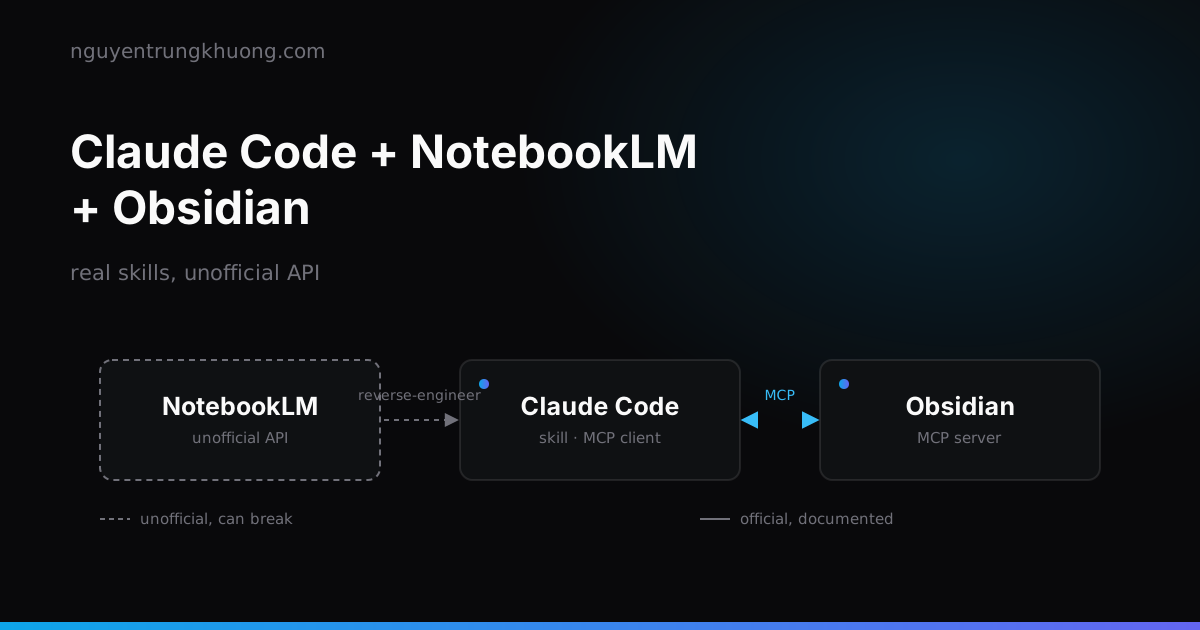
Combining Claude Code, NotebookLM and Obsidian into an automated research pipeline does work, and part of it already exists as a ready-made package. But there is no notebooklm login command for an "official API": NotebookLM offers no API for personal accounts, so every bridge from an agent to it is reverse-engineered and comes with the risk of a locked Google account.
Skill Creator is real, but the install command is not just /plugin install skill-creator
A skill in Claude Code is just a folder with a SKILL.md: a description, the conditions that trigger it, the steps. Claude loads it on its own when it looks relevant, or you call it directly with /skill-name. Skill Creator is a real Anthropic plugin, not a third-party tool.
It lives in the claude-plugins-official marketplace, not in the anthropics/skills marketplace (which holds document-skills and example-skills). Mixing up these two marketplaces is the most common install mistake. The correct command, per the Claude Code docs:
/plugin install skill-creator@claude-plugins-official
If it reports Marketplace "claude-plugins-official" not found, add the marketplace first with /plugin marketplace add anthropics/claude-plugins-official, then install again. If you see the line Run /reload-plugins to activate after installing, run exactly that command and the skill loads in the current session.
Besides generating a skill from a one-sentence description, Skill Creator automates the whole comparison loop: it saves test cases to evals/evals.json, runs each test case in its own sub-agent so the context stays clean, grades each assertion into grading.json, and aggregates the pass rate with and without the skill into benchmark.json.
It also runs a blind comparison of two versions of a skill before deciding which one is better. So Skill Creator goes past "the skill is created": it measures whether the skill does its job.
A YouTube search skill built on yt-dlp, and someone already made it
yt-dlp searches for videos with the ytsearchN:keyword syntax, with no YouTube API key:
yt-dlp -j "ytsearch5:Claude Code MCP servers"
The -j flag returns JSON, enough for a skill to parse out the title, channel, view count and upload date. You do not need to write it from scratch: youtube-search-skill already packages it, and copying it into .claude/skills/youtube-search/ is enough to run it.
It has two modes: full (with subscriber counts, about one to two seconds per result) and fast (uses yt-dlp flat-playlist mode, ten times faster but skips the subscriber count). Sample output:
Claude Code Tutorial for Beginners
https://www.youtube.com/watch?v=eMZmDH3T2bY
Channel: Kevin Stratvert · Subscribers: 4.2M
Views: 539.8K · Duration: 14:43 · Uploaded: Dec 22, 2025
NotebookLM has no API for personal accounts, and every agent bridge is reverse-engineered
Google did release a NotebookLM Enterprise API, but only from Sep 2025 and only for Enterprise/Workspace customers, not for personal accounts on the free or Pro plan. For a personal account, every automation tool goes around through the web interface, in three different ways:
| Project | How it works | Authentication |
|---|---|---|
notebooklm-py | Drives a browser through Playwright | Interactive login, or importing existing cookies, or a master token that refreshes the cookies |
notebooklm-automation | Calls the internal batchexecute endpoint that NotebookLM uses directly, pulling cookies through the Chrome DevTools Protocol | Real login session cookies |
notebooklm-skill | CLI + MCP server, wrapping one of the two approaches above | Same as above |
All three call themselves unofficial, and notebooklm-automation says it outright in its README:
Using unofficial APIs violates Google's ToS. Use a dedicated/burner Google account. Don't use your primary work/personal account. Google may suspend accounts detected as automated.
Do not confuse this authentication step with a login like Web3Forms or Mailchimp: it is called notebooklm login, but what it really does is run a client that imitates a browser to get past a mechanism that was never meant for this.
Running this pipeline on your main Google account, especially a version that runs on a schedule, means accepting the risk that the account gets locked for being detected as a bot.
After the rename to Gemini Notebook, what the real deliverables are
NotebookLM no longer goes by that name. Google renamed it Gemini Notebook on 16 Jul 2026, kept it as a standalone product, and added a "cloud computer" for each notebook to run data analysis code on the sources already loaded.
At the time of the rename, Google said more than 30 million users and more than 600,000 organizations were using it.
The Studio panel currently produces seven kinds of deliverable: Audio Overview (podcast style), Cinematic Video Overview, slide deck, infographic, flashcards, quiz, and Data Table.
Since 6 Feb 2026, you can edit a slide deck one slide at a time with prompts like "fix slide 3", and export it straight to PPTX with the download button. The PPTX layout is rebuilt by AI, so it is not pixel-identical to the web preview.
Putting the whole pipeline into one skill with notebooklm-skill
To merge Research, Synthesis, Content and Publishing into a single skill instead of calling each step separately, use an existing package: notebooklm-skill, installed with:
git clone https://github.com/claude-world/notebooklm-skill.git
cd notebooklm-skill && ./install.sh
It comes with four prebuilt pipelines, so you do not have to describe them to Skill Creator every time: research-to-article (turns research into an article), research-to-social, batch-digest (batch processing from an RSS feed), and generate-all. Connect it to Claude Code through MCP instead of calling the CLI directly:
{
  "mcpServers": {
    "notebooklm": {
      "command": "uvx",
      "args": ["--from", "notebooklm-skill", "notebooklm-mcp"]
    }
  }
}
The package's own README repeats the warning from the section above: this is an unofficial integration with NotebookLM's web API and can break whenever Google changes the interface.
Obsidian takes more than markdown files: it connects straight to Claude Code through MCP
The simplest way to plug Obsidian into the pipeline is to write the results as markdown files in the vault. That works, but it wastes half of what is possible: Claude Code can read the vault back through the filesystem, while Obsidian knows nothing about what Claude just did beyond a few new files appearing.
obsidian-claude-code-mcp is an Obsidian plugin that runs an MCP server, opening WebSocket port 22360 by default for Claude Code and HTTP/SSE for Claude Desktop. Install the plugin in Obsidian, open claude in a terminal, type /ide, pick "Obsidian" from the list, and the connection sets itself up with no extra configuration.
From there, Claude reads the file that is currently open, lists the vault structure, and creates and edits notes through Obsidian's API instead of just overwriting files on disk. The difference is that the vault knows what Claude just touched, instead of only seeing a new file appear.
Before you let the whole pipeline run on its own, check five things:
- The right marketplace:
claude-plugins-officialfor skill-creator, notanthropics/skills - The Google account used for NotebookLM: a burner account, not your main one
- Call frequency: frequent runs are more likely to be flagged as a bot than sparse ones
- The breaking point: every NotebookLM bridge depends on the current web interface, and it breaks as soon as Google changes the UI
- MCP or raw file writes: MCP gives Claude two-way context, while raw file writes let Claude see only the second half
The real cost of wiring these three pieces together
I have not run this whole pipeline end to end on a real machine myself. Everything in this post was checked against the docs and source code of each project above, not against logs from a real run. The one thing only a real run would show: whether notebooklm-py or notebooklm-automation hits a rate limit or asks for extra verification when you add five sources in a row to one notebook. None of the three projects' docs gives a number.
The clearest trade-off: Skill Creator and the Obsidian MCP are official infrastructure, stable and documented. The bridge into NotebookLM is the weakest piece of the pipeline, because it rests on something nobody has promised to keep the same. You can wire these three tools together, but use a secondary account for the NotebookLM part and do not schedule it to run overnight without supervision.
Related posts
all posts →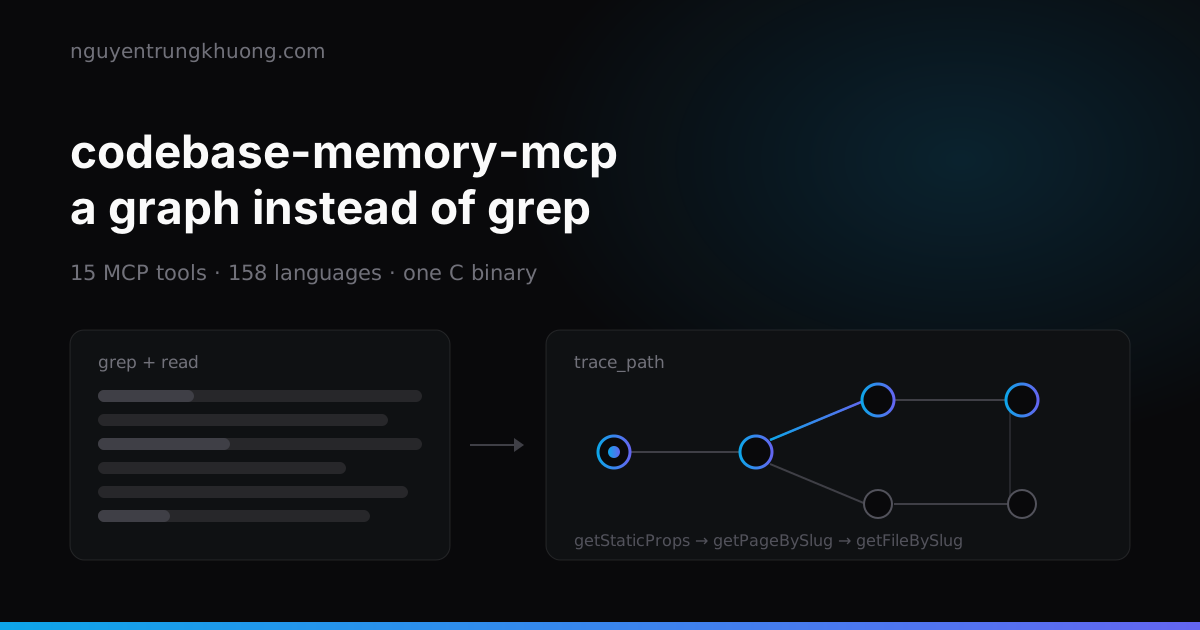 codebase-memory-mcp: a knowledge graph for your codebase, and what to watch forOne C binary indexes a whole repo into a knowledge graph, so the agent asks with a graph query instead of grepping file by file. How to install it, the three tools I use most, and two silent failures that leave the graph incomplete while it still reports indexed.read more →
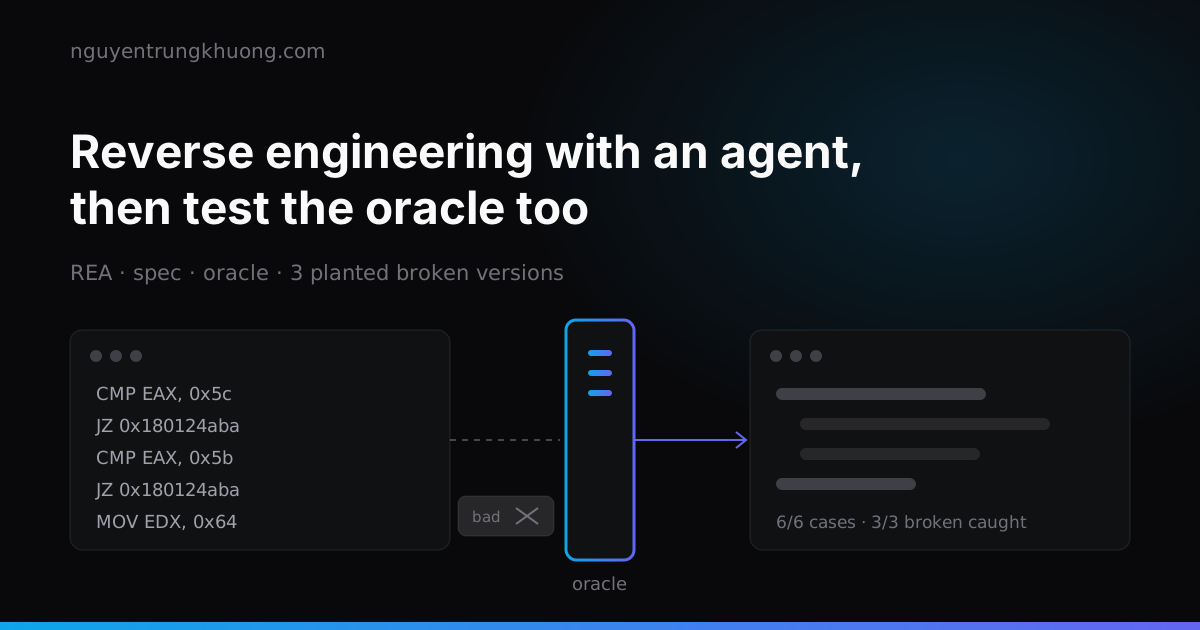 REA: letting an agent reverse engineer software, then testing the oracle tooREA lets a coding agent read a program that has no source, down to machine code, then rebuild that feature in its own code. Whether the rebuild is right is up to the oracle, and the oracle is code too, with its own bugs.read more →
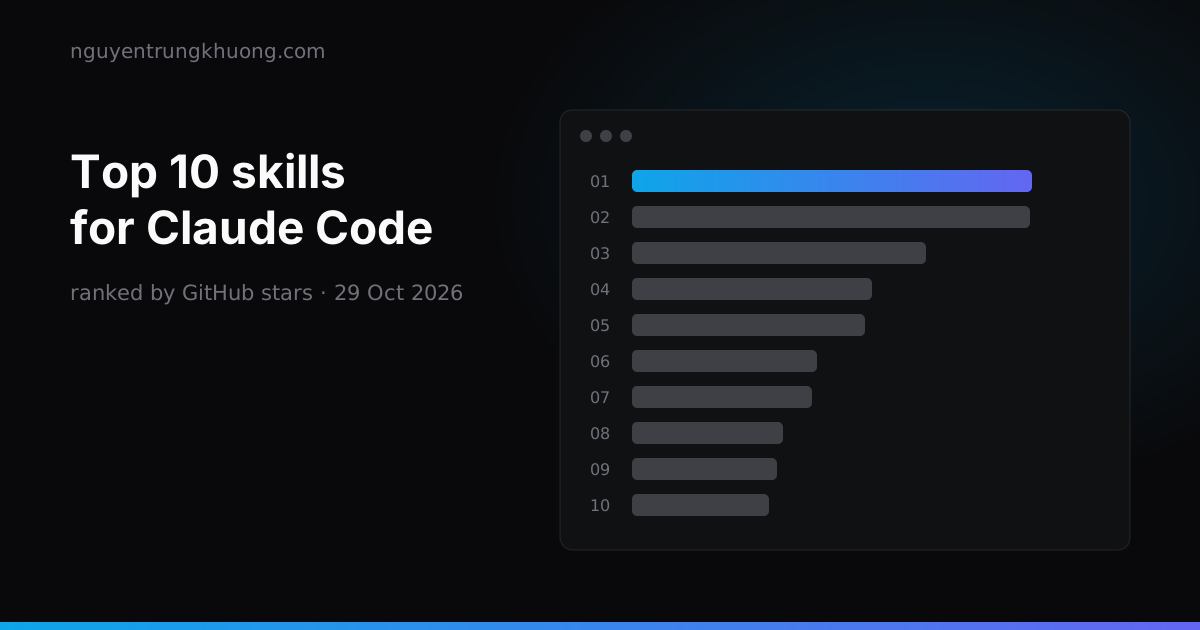 Top 10 Claude Code skills by GitHub stars: what each one does and which ones overlapThe ten Claude Code skill sets with the most GitHub stars on 29 Oct 2026: Superpowers, Matt Pocock Skills, Karpathy Skills, Anthropic Skills, Ponytail, UI UX Pro Max, Graphify, Caveman, Agent Skills, Taste Skill. Each one with its install command, what it does and where it overlaps with another set.read more →
 Writing a good CLAUDE.md: four rule groups and the real limits of Claude CodeCLAUDE.md works well when it is split into four clear groups: commands, rules, path-scoped architecture, and how to scale as the project grows. How to write each group within the real technical limits of Claude Code, with examples that run.read more →