blog
Writing a good CLAUDE.md: four rule groups and the real limits of Claude Code
CLAUDE.md works well when it is split into four clear groups: commands, rules, path-scoped architecture, and how to scale as the project grows. How to write each group within the real technical limits of Claude Code, with examples that run.
- Published
- Updated on
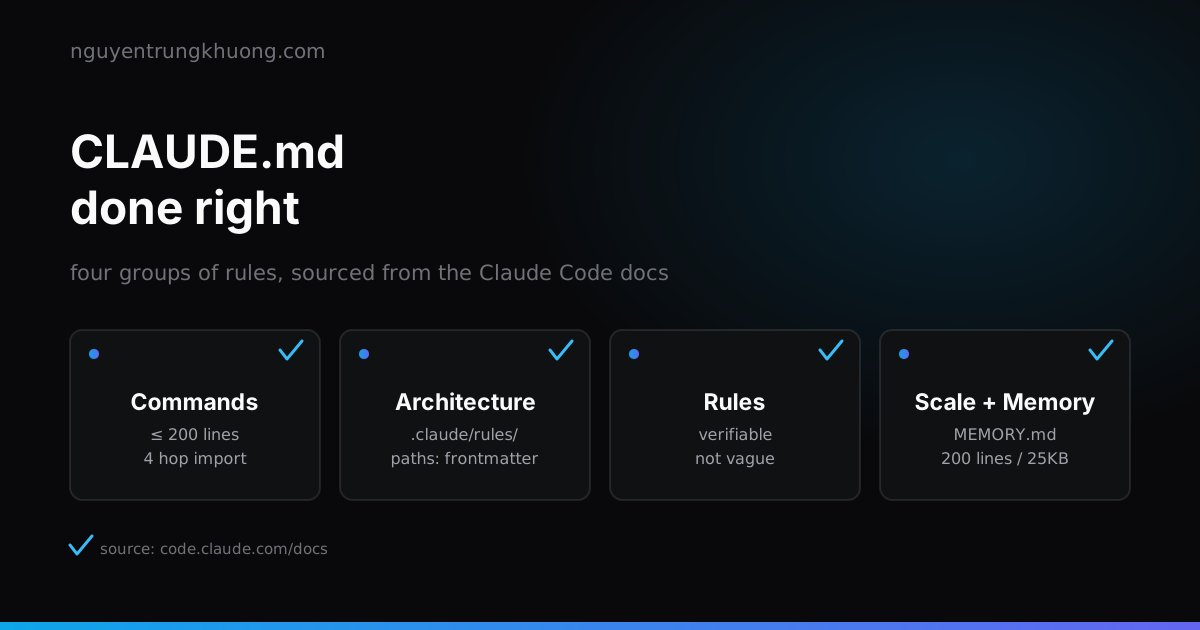
CLAUDE.md is not the place to paste everything the agent "should know". It has real technical limits, and a clear boundary with two other Claude Code mechanisms: .claude/rules/ for path-scoped rules, and hooks for things that must be blocked every time. Split it into the four groups below, and CLAUDE.md gets shorter while Claude follows it more closely.
The Commands group: list the commands Claude can't guess
Claude reads code very well, but it can't guess your project's test command, its special build flags, or the environment variables it requires. The Commands group should hold exactly those things: the build command, the test command, the lint command, quirks of the dev environment. Leave out everything Claude can work out from package.json or the code.
Keeping the file short matters more than feeling complete. The Claude Code docs set a concrete limit: "target under 200 lines per CLAUDE.md file. Longer files consume more context and reduce adherence." Past 200 lines, move rules out into .claude/rules/ by path instead of piling everything into one file.
To pull in more context without bloating CLAUDE.md, use the @path/to/file syntax to import:
See @README.md for the project overview, @package.json for the available npm commands.

# Additional Instructions
- Git workflow: @docs/git-instructions.md
Imports can nest, but there is a hard limit: four levels at most, "a maximum depth of four hops". Don't build a deeper import chain; the fifth level won't load.
One Claude Code user who wrote up their experience after more than 1000 sessions reports cutting a project's CLAUDE.md from 471 lines to 61, and the agent followed it more consistently, not less. To decide whether a line is worth keeping, ask the question the docs suggest: "would removing this cause Claude to make mistakes?". If not, cut it.
Write Rules that can be verified, drop lines like "write clean code"
This is the group people get wrong most easily, because every line sounds reasonable when you type it. A rule only works when you can check whether Claude followed it:
| Write this | Not this |
|---|---|
| Use 2 spaces for indentation | Format code neatly |
Run npm test before committing | Remember to test thoroughly before committing |
API handlers live in src/api/handlers/ | Keep the code organized |
The docs name the problem directly: lines like "self-evident practices like 'write clean code'" should be removed from CLAUDE.md, because there is no way to know whether Claude follows them. A line you can't verify only takes up space; it doesn't change behavior.
A fuller include/exclude table, from the docs themselves:
| Put in CLAUDE.md | Leave out |
|---|---|
| Bash commands Claude can't guess | Things Claude can learn by reading the code |
| Code style conventions that differ from the defaults | Standard language conventions Claude already knows |
| Test commands, the preferred test runner | Detailed API documentation (link to it instead of pasting it) |
| Dev environment quirks (required env variables) | Information that changes often |
One technique people often skip: writing IMPORTANT or YOU MUST in capitals to make Claude more likely to follow a rule. It is not a guarantee, but it is worth trying before you decide Claude "doesn't listen".
Split Architecture by path with .claude/rules/
A CLAUDE.md that holds every frontend, backend and content rule in one file will pass 200 lines sooner or later. The right way to split it is the .claude/rules/ folder: each file declares paths as globs in its frontmatter and is loaded into context only when Claude reads a file that matches the pattern.
---
paths:
  - "src/api/**/*.ts"
---

# API Development Rules
- Every endpoint must have input validation
- Use the standard error response format
A rule without paths loads in every session, the same as CLAUDE.md. The glob mechanism has hard limits worth knowing before you write complex patterns: the whole paths list of one rule shares a budget of 1,000 expanded patterns and 4 MiB, and brace expansion like {ts,tsx} multiplies against that budget.
.claude/rules/ also supports symlinks, so several repos can share one set of rules, and there is a user-level version at ~/.claude/rules/ that applies to every project on the machine and loads before the project's rules.
The repo that runs this site splits three rules by path instead of merging them into one CLAUDE.md:
frontend.mdloads only when touchingcomponents/**,layouts/**,styles/**,theme.config.js,utils/**;content.mdloads only when touchingcontent/**,scripts/**,public/covers/**;nginx.mdloads only when touchingnext.config.js,components/**,layouts/**,content/**,DEPLOY.md.
Each session loads only the part related to the files being edited, and the root CLAUDE.md stays under 200 lines.
Know when you need a hook instead of CLAUDE.md
CLAUDE.md and .claude/rules/ are both loaded as context: Claude reads them and tries to follow them. The docs state the limit plainly: "there's no guarantee of strict compliance". If an action has to happen every time, with no exceptions, writing it in CLAUDE.md is not enough.
A hook is the right tool for that case: a shell command Claude Code runs at a fixed point in its lifecycle, so that "certain actions always happen rather than relying on the LLM to choose to run them". To block an action outright, for example writing to the migrations folder, use a PreToolUse hook instead of adding a line to CLAUDE.md and hoping.
Even hooks have practical limits worth knowing: a Stop hook can keep Claude from ending its turn until a check passes, but Claude Code automatically overrides the hook and ends the turn after 8 consecutive blocks, to avoid an endless loop.
Pick the right tool for each kind of rule:
- Can be checked by eye, not strictly mandatory (style, naming conventions): CLAUDE.md or
.claude/rules/ - Applies to only one kind of file or folder:
.claude/rules/withpaths - Must happen every time, no exceptions (lint before commit, block writes to sensitive files): a hook
- A multi-step procedure needed only when called: a skill, not stuffed into CLAUDE.md where it costs context in every session
Let auto memory handle the rest
CLAUDE.md and .claude/rules/ are both written by hand. Claude Code has a second layer that needs no typing: auto memory, a notebook Claude writes itself based on the times it was corrected or told something while working. The two layers complement each other: CLAUDE.md is the instructions a person writes up front, auto memory is the lessons Claude draws afterwards.
Each project has its own memory folder with a MEMORY.md file that acts as the index, plus topic files such as debugging.md. Only the first 200 lines or 25KB of MEMORY.md, whichever comes first, are loaded at the start of each session; Claude reads the rest when needed with its normal file-reading tool.
You don't need to tell Claude to remember things by hand. The /memory command opens the full list of CLAUDE.md and memory files so you can view them, edit them, or turn the mechanism on or off at any time.
Put the persona in the right place, which is not CLAUDE.md
A line like "you are a senior engineer" in CLAUDE.md changes nothing. CLAUDE.md content is loaded as a user message sent after the system prompt, not as part of the system prompt, so an "act as expert X" framing there doesn't carry the weight it has in the right place.
The right place is the system prompt of a dedicated subagent. The docs define an example security-reviewer subagent that opens with exactly that kind of persona: "You are a senior security engineer. Review code for: injection vulnerabilities...". The same sentence is meaningless in CLAUDE.md, and in a subagent definition it is the official way to limit the role and the tool set of a child agent.
Checklist before you commit CLAUDE.md
- For every line you asked: would removing it make Claude make mistakes? If not, cut it
- No line describes something Claude can learn by reading the code
- Code style rules are concrete enough to verify (number of spaces, folder names), not written as adjectives
- The file is under 200 lines; past that, split into
.claude/rules/by path instead of nesting imports deeply - Things that must happen every time have moved into hooks and no longer sit in CLAUDE.md as "reminders"
- No persona line like "you are expert X" is left in CLAUDE.md
A short CLAUDE.md doesn't happen by itself
The list above is only a starting point. The way to know whether a CLAUDE.md really works is to cut it down and watch: does Claude start making the old mistakes again?
The 471-to-61-lines figure in the Commands section is another user's experience, not a benchmark for every repo.
The repo that runs this site uses all three hand-written layers: a root CLAUDE.md that imports the project's shared conventions file, three path-scoped rules in .claude/rules/, and an auto memory folder that records the design and the deploy conventions specific to this repo.
The hook layer lives in the author's personal configuration and is not committed with the repo, which matches the boundary the docs draw: CLAUDE.md and rules are instructions shared through git, while hooks that enforce things strictly are usually tied to a machine or an organization.
Related posts
all posts →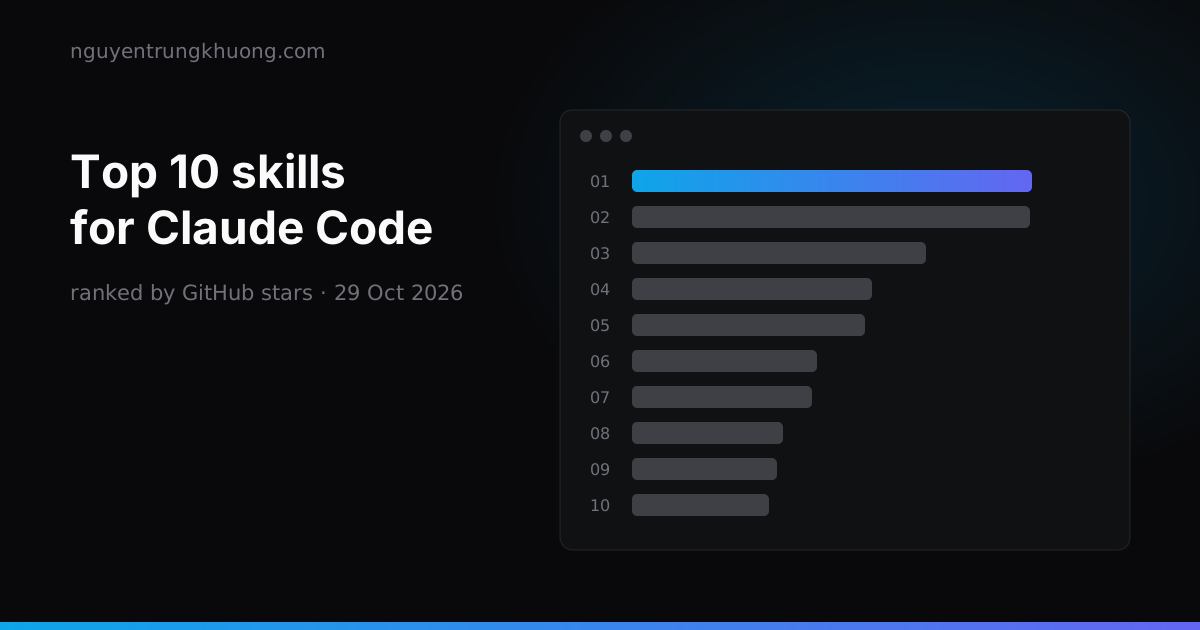 Top 10 Claude Code skills by GitHub stars: what each one does and which ones overlapThe ten Claude Code skill sets with the most GitHub stars on 29 Oct 2026: Superpowers, Matt Pocock Skills, Karpathy Skills, Anthropic Skills, Ponytail, UI UX Pro Max, Graphify, Caveman, Agent Skills, Taste Skill. Each one with its install command, what it does and where it overlaps with another set.read more →
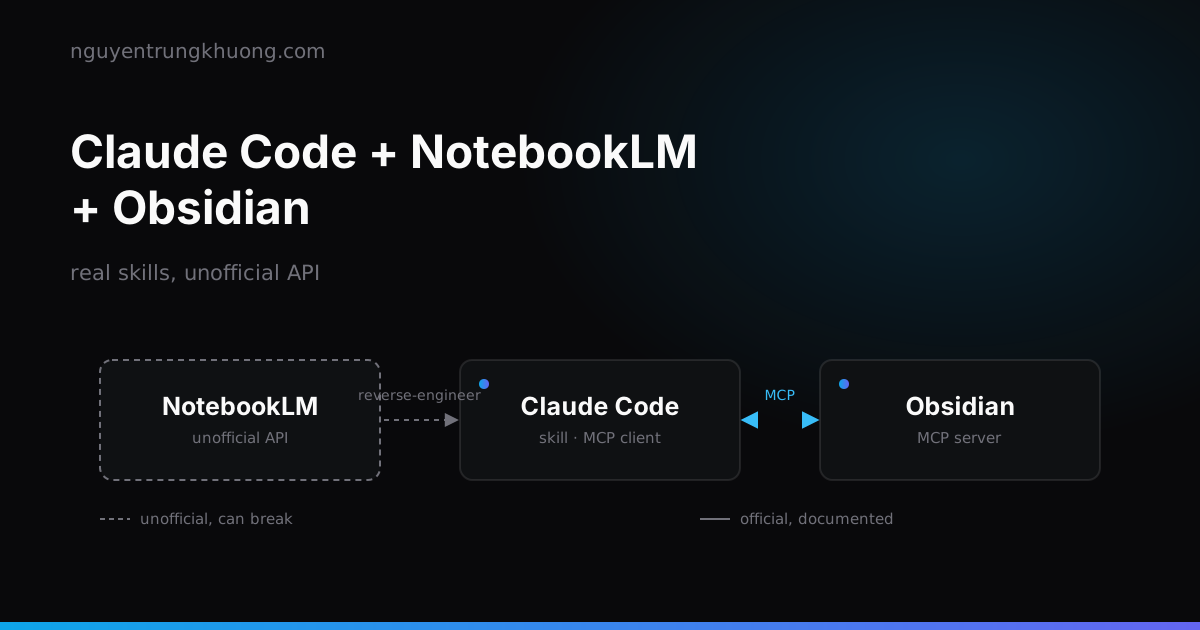 Claude Code + NotebookLM + Obsidian: a research pipeline, and the half of the bridge that is unofficialHow to combine Claude Code, NotebookLM and Obsidian into a research pipeline: which skills already exist, why NotebookLM has no API for personal accounts, and the price of wiring these three tools together.read more →
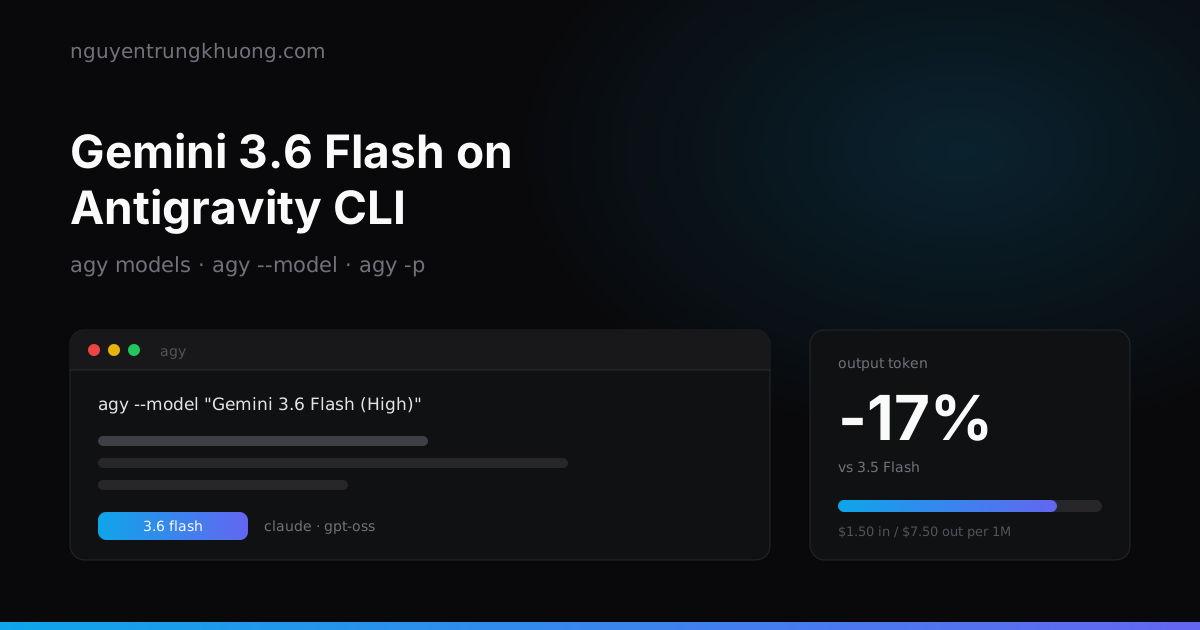 Gemini 3.6 Flash on Antigravity CLI: 17% fewer output tokensGoogle replaced Gemini CLI with Antigravity CLI, and 3.6 Flash is the model worth making the default in the terminal. How to pick a model with agy, run it headless, and work out the cost of one agent run.read more →
 codebase-memory-mcp: a knowledge graph for your codebase, and what to watch forOne C binary indexes a whole repo into a knowledge graph, so the agent asks with a graph query instead of grepping file by file. How to install it, the three tools I use most, and two silent failures that leave the graph incomplete while it still reports indexed.read more →