blog
Gemini 3.6 Flash on Antigravity CLI: 17% fewer output tokens
Google replaced Gemini CLI with Antigravity CLI, and 3.6 Flash is the model worth making the default in the terminal. How to pick a model with agy, run it headless, and work out the cost of one agent run.
- Published
- Updated on
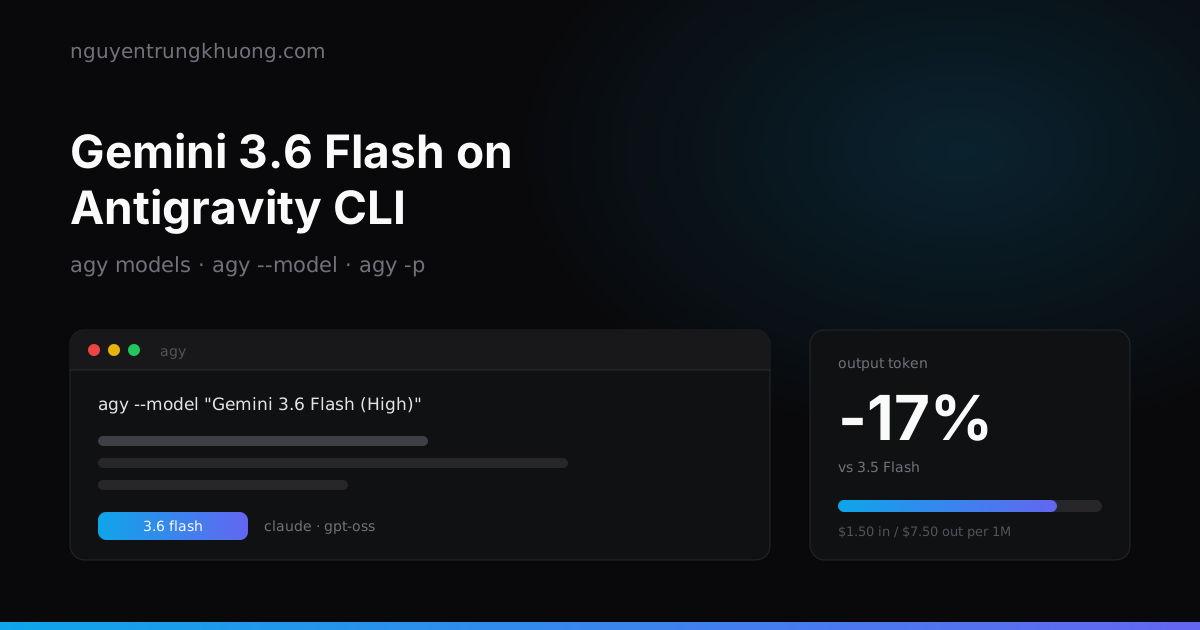
Google released Gemini 3.6 Flash on 21 Jul 2026. For anyone running agents in a terminal, the notable part is that it produces 17% fewer output tokens than 3.5 Flash, while output costs five times as much as input.
Where Gemini 3.6 Flash beats 3.5 Flash
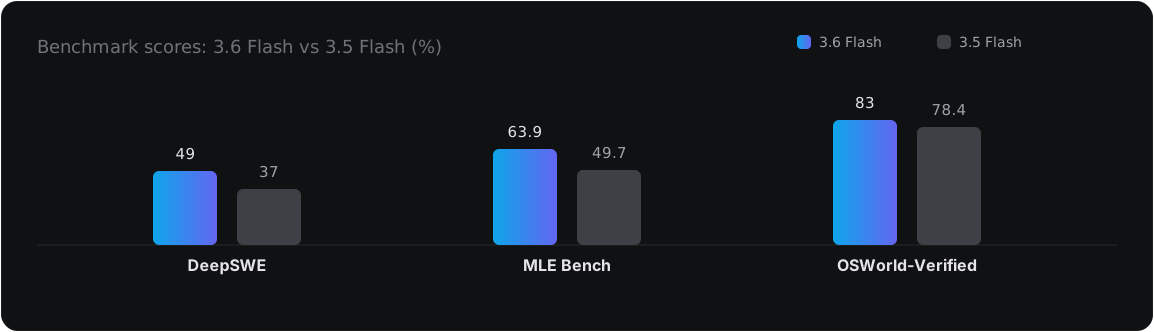
These three are real jumps, DeepSWE most of all (37 to 49). That benchmark measures an agent fixing code in real repos, the kind of work people usually hand to a CLI.
The token side matters even more for your wallet:
- 17% fewer output tokens than 3.5 Flash, according to the Artificial Analysis Index
- Up to 65% fewer on DeepSWE, according to the figure Google published in the release post
- Price: 1.50 USD per 1M input, 7.50 USD per 1M output
The Antigravity post describes the same thing in terms of behavior: fewer reasoning steps, fewer tool calls for the same workflow, fewer unnecessary code edits. For an agent running in a loop, fewer rounds means less money and fewer chances to wander off on its own.
The same release also brought Gemini 3.5 Flash-Lite: 0.30 USD input / 2.50 USD output, 350 tokens/second, and 54% on Terminal-Bench 2.1 against 31% for the previous version. It is a model for classification, summaries and constant calls, not for an agent that edits code.
Installing Antigravity CLI and signing in
Gemini CLI has been replaced by Antigravity CLI, and the command is agy. It is a precompiled binary that needs neither Node nor Python:
# macOS / Linux
curl -fsSL https://antigravity.google/cli/install.sh | bash

# Windows PowerShell
irm https://antigravity.google/cli/install.ps1 | iex
The binary lives in ~/.local/bin/agy (macOS/Linux) or C:\Users\<user>\AppData\Local\agy\bin (Windows). The install script takes two flags if you do not want it to touch your shell profile:
curl -fsSL https://antigravity.google/cli/install.sh | bash -s -- --skip-path --skip-aliases
Sign-in comes from the operating system's keyring, and if there is nothing there it opens a browser. Over SSH, agy detects the remote session and prints a URL for you to open on your local machine, then you type the code back, so there is no port to forward. Sign out with /logout.
Picking a model: agy models, then --model
By default the CLI picks the model itself. To pin one, list them first instead of guessing the name:
agy models                              # list available models
agy --model "Gemini 3.6 Flash (High)"   # pin the model for this session
A model name is a string with spaces and an effort level in parentheses: (Low), (Medium), (High). Quoting it is mandatory. The list changes with the CLI version, so agy models is the source of truth, not any post on the web (this one included).
In an interactive session, /model tells you which model is running. Besides the Gemini family, the CLI ships with Claude Sonnet 4.6, Claude Opus 4.6 and GPT-OSS 120B behind the same command, so changing models does not mean changing tools.
A few commands for daily use:
/help          # command list and shortcuts
/config        # permissions, theme, options
/agents        # watch subagents running in parallel
/artifact      # view the plans, diffs and test results the agent produced
!              # toggle shell mode, ESC to exit
ctrl+k         # review pending tools
Running headless: agy -p for scripts and CI
The mode without the TUI is where this CLI differs from a chat:
agy -p "Read CHANGELOG.md and write Vietnamese release notes for the latest version"
You can plug it into a git hook, a cron job, or a CI step. Combine it with --model so the cheap work runs on Flash and only the hard work calls an expensive model.
There is one more flag, --dangerously-skip-permissions, which approves every tool call automatically. The name says exactly what it does: the agent may run shell commands and edit files without asking. Only use it in a container or a throwaway repo, and never run it on a machine that holds SSH keys and production deploy rights. If you really need automation, restrict permissions in /config first instead of tearing down every guardrail.
The cost of one agent run: output is where the money goes
Take a typical agent run on a mid-sized repo: about 1M input tokens (reading files, tool results coming back) and 200K output tokens.
| Item | Tokens | Unit price | Cost |
|---|---|---|---|
| Input | 1M | 1.50 USD | 1.50 USD |
| Output | 200K | 7.50 USD | 1.50 USD |
| Total | 3.00 USD |
Input is five times output by volume, yet the two sides cost the same. The 17% of output tokens cut in the example above is ~0.26 USD per run; multiply by the number of runs in a day and it becomes real money.
The practical consequence when writing prompts: cutting output is worth more than cutting input. Telling the agent to answer briefly, not to print back the whole file it just edited, and not to narrate every step is cheaper than trimming the files it reads.
When to let Flash run, and when to switch models
Flash suits work that is high in volume and clear in shape: multi-file migrations that follow one pattern, renames across a repo, writing tests for existing code, small scripts, reading logs to find a pattern. This is also the kind of work where that 17% adds up fastest.
Switch to Pro or Claude Opus when the job needs the right decision from the start: choosing an architecture, chasing a bug that only reproduces in production, reading an unfamiliar codebase to answer "where should this be fixed". A cheap model wandering for ten rounds still costs more than an expensive model getting it right in one.
I describe this way of splitting work by cost in more detail in the review of Tencent's Hy3, and the groundwork on tool use and agent loops is in the AI Engineer roadmap.
Three things to watch before you plug it into real work
The benchmarks are Google's numbers, not yours. DeepSWE at 49% means more than half the tasks still fail. Measure on your own repo with a few tasks whose answers you already know before you trust it.
Automatic model selection makes cost hard to predict. Auto mode is handy when you use the CLI by hand, but in CI pin --model so the bill does not jump because the CLI upgraded its own choice.
Model names will change. The string "Gemini 3.6 Flash (High)" is tied to the current CLI version. Any script that hardcodes it should check with agy models first, or one update will break the pipeline for no obvious reason.
Related posts
all posts →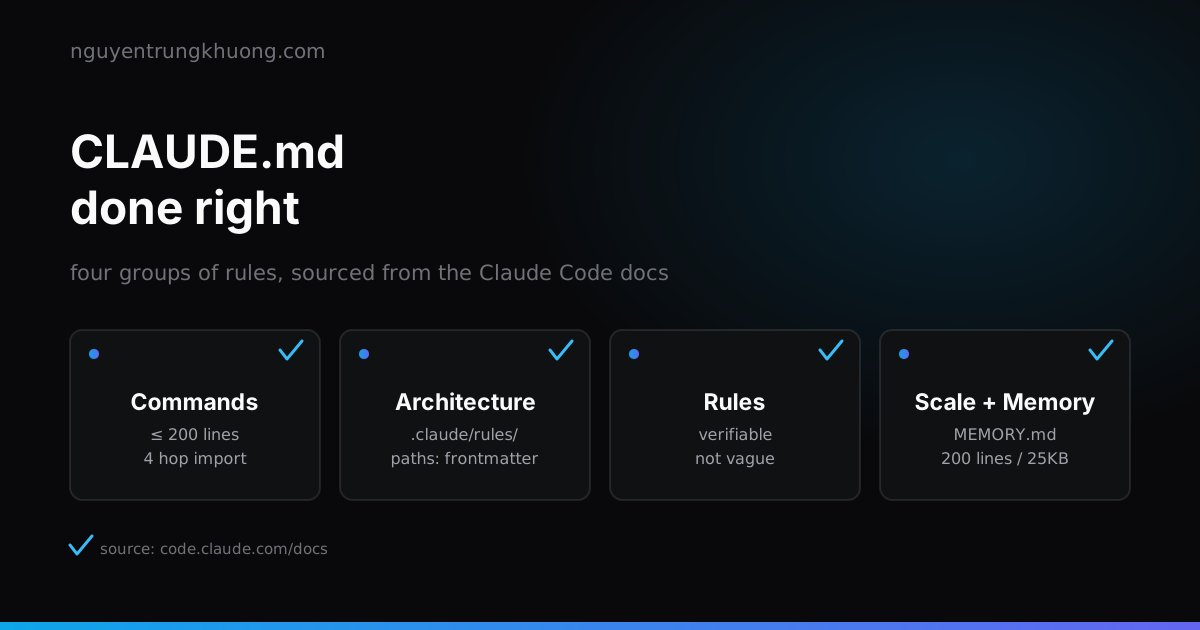 Writing a good CLAUDE.md: four rule groups and the real limits of Claude CodeCLAUDE.md works well when it is split into four clear groups: commands, rules, path-scoped architecture, and how to scale as the project grows. How to write each group within the real technical limits of Claude Code, with examples that run.read more →
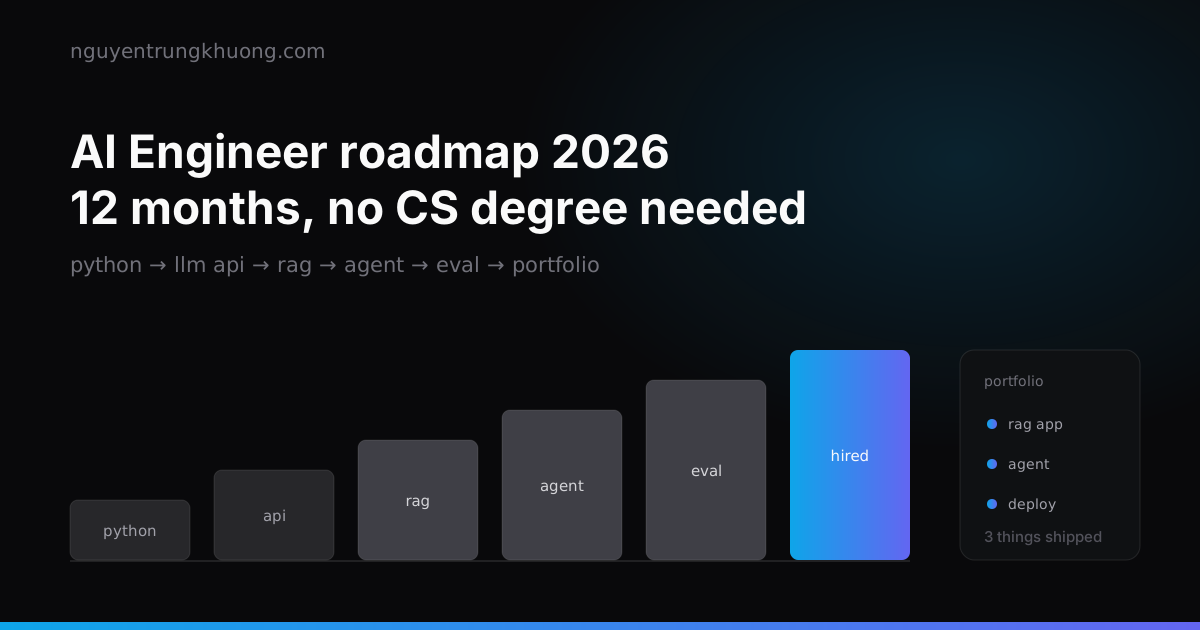 A 12-month roadmap to AI Engineer, no Computer Science degree requiredSix phases, and each one ships something that runs: Python, LLM APIs, RAG, agents, evals and a portfolio. A roadmap for developers moving into AI, with a section on the Vietnamese job market.read more →
 Top 10 Claude Code skills by GitHub stars: what each one does and which ones overlapThe ten Claude Code skill sets with the most GitHub stars on 29 Oct 2026: Superpowers, Matt Pocock Skills, Karpathy Skills, Anthropic Skills, Ponytail, UI UX Pro Max, Graphify, Caveman, Agent Skills, Taste Skill. Each one with its install command, what it does and where it overlaps with another set.read more →
 Claude Code + NotebookLM + Obsidian: a research pipeline, and the half of the bridge that is unofficialHow to combine Claude Code, NotebookLM and Obsidian into a research pipeline: which skills already exist, why NotebookLM has no API for personal accounts, and the price of wiring these three tools together.read more →