blog
Syncing KiotViet with WordPress: why I stopped calling the API directly
Three retail websites called the KiotViet API straight from PHP and all hit the rate limit of the same account. How I moved the integration out into a Node.js service in the middle.
- Published
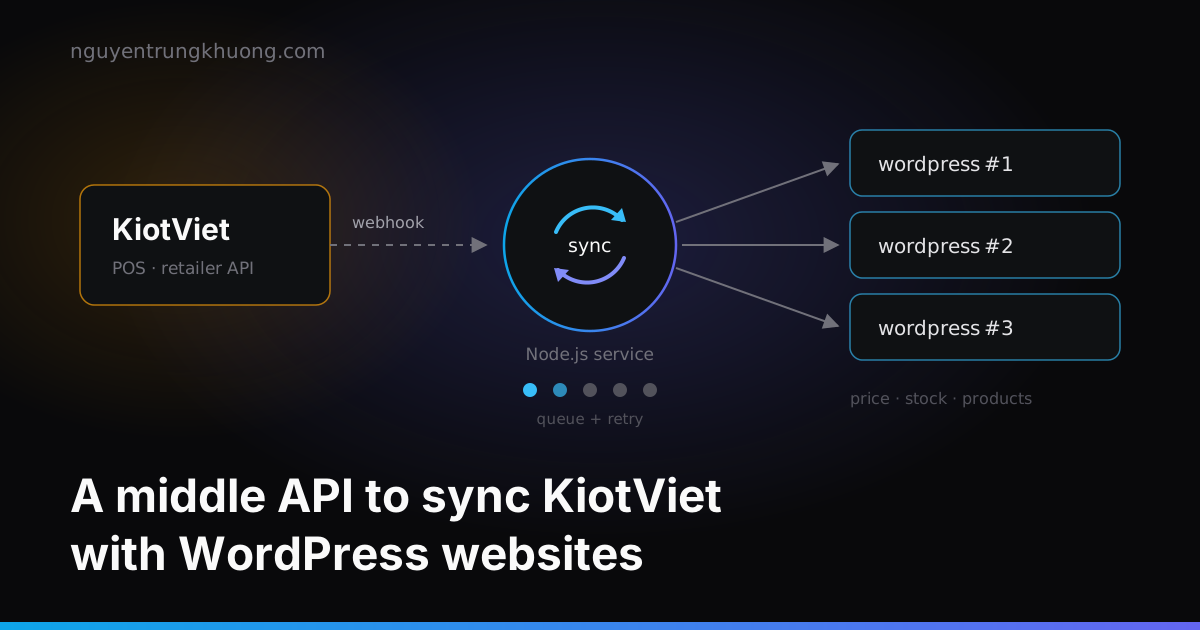
Three retail websites I built (1Pro, MacOne, Nam Thành Công) all use KiotViet, a Vietnamese point-of-sale system for retail shops, to run sales in their stores. At first each site called the KiotViet API directly from PHP. That worked fine with one site and broke once there were three.
Three problems with calling the API directly
One shared rate limit, but each site counted on its own. Each website ran a cron job to sync the catalog on its own schedule. All three swept a few thousand SKUs during off-peak hours, the requests piled onto the same KiotViet account, and whichever site hit the ceiling first got the errors. The site that failed showed wrong prices until the next sync.
The integration code existed three times. Every time KiotViet changed the shape of a response, I had to fix the same logic in three different WordPress themes, and each theme handled it its own way because they were written at three different times.
PHP-FPM is a poor fit for waiting. A slow sync request holds a worker. When the API on the other side is slow, the worker stays occupied, and real users browsing the site queue up behind a background task.
The fix was to take the integration out of the websites entirely: a Node.js service sits in the middle, receives webhooks from KiotViet, normalizes the data, then pushes it to each site through an internal REST API.
Architecture: one service in the middle, the websites only receive
Data flows one way. KiotViet is the source of truth for prices and stock. WordPress owns the content: descriptions, images, SEO articles. The two sides never compete for write access.
The service runs Node.js with Express, MySQL for the mapping table, an internal queue for retries, and JWT for authentication between the service and the sites, on a VPS under PM2 behind Nginx.
The design point that matters: a website never calls back into KiotViet. It only exposes one endpoint that receives updates. So no site needs to know anything about KiotViet's rate limit, tokens or data format; that responsibility sits in one place.
Webhooks for speed, cron as the source of truth
Webhooks can arrive twice, arrive late, or not arrive at all, especially while the service is restarting or the network is flaky. Trust webhooks as the only channel and sooner or later the data drifts without anyone noticing.
The rule I ended up with: webhooks handle the fast part, and a cron job that sweeps the whole catalog every night handles the correct part. Every handler must be idempotent, meaning that processing the same event twice gives the same result as processing it once.
// Webhook handler: idempotent on (productId, modifiedDate)
app.post('/webhook/kiotviet', verifySignature, async (req, res) => {
  // Return 200 right away; heavy work goes to the queue, KiotViet does not wait
  res.sendStatus(200)

  for (const item of req.body.Notifications ?? []) {
    const seen = await db.query(
      'SELECT 1 FROM sync_log WHERE product_id = ? AND modified_at = ?',
      [item.ProductId, item.ModifiedDate]
    )
    if (seen.length) continue // already processed, skip the duplicate

    queue.push({ type: 'product.update', payload: item })
  }
})
Two details in that code are worth noting. First, res.sendStatus(200) is called before any processing: KiotViet only needs to know we received the event, it does not need to wait for us to finish writing to the database. A webhook that waits too long is treated by the sender as a timeout and sent again, which creates one more duplicate. Second, the sync_log table blocks duplicates on the pair (product_id, modified_at) instead of the product ID alone, because the same product can legitimately change price several times.
Product mapping table: a composite primary key stops duplicate writes
Each KiotViet product maps to one WordPress post on each site. That relationship has to be stored, and it has to survive the nightly cron running at the same moment as a webhook.
CREATE TABLE product_map (
  kiotviet_id BIGINT NOT NULL,
  site        VARCHAR(32) NOT NULL,
  wp_post_id  BIGINT NOT NULL,
  synced_at   DATETIME NOT NULL,
  PRIMARY KEY (kiotviet_id, site)
);
The composite primary key (kiotviet_id, site) does all the work: when two processes write at once, one wins, and the other gets a duplicate-key error and skips instead of creating a second row. No application-level lock is needed.
The most annoying case is a product deleted on one side only: a staff member deletes it in KiotViet but the post is still on the website, or the other way round. The nightly cron compares the two lists and flags the mismatches for a person to decide, instead of deleting anything automatically. Automatic deletion of content only has to be wrong once to cost days of recovery.
A diagnostic endpoint: why does this product show the wrong price
After a few months in production, the most time-consuming part was answering the question "why does this product show the wrong price".
With thousands of SKUs, when a customer calls about one item showing the wrong price, a single diagnostic endpoint saves me. It shows when this product was last synced, from which event, what is still waiting in the queue, and what the most recent error was. Before I had it, each of those calls cost half a day digging through logs on three machines.
If you plan a similar integration, build that endpoint from the start, before you optimize for speed.
When a retail website that pulls prices and stock from KiotViet shows the wrong data, the problem is almost always in one of those three stages. See the projects I have built or send a consultation request.
Related posts
all posts →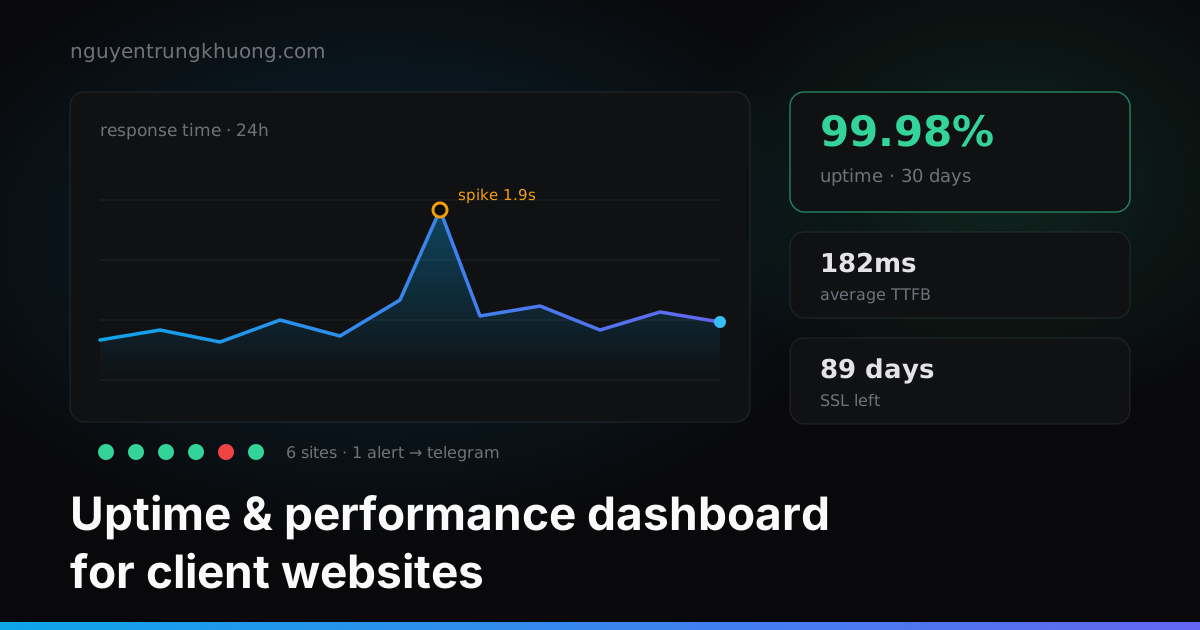 Building my own uptime dashboard for 30 client websitesClients called to say their site was down before I knew. How I track uptime, response time and SSL expiry for 30 sites without producing a pile of junk alerts.read more →
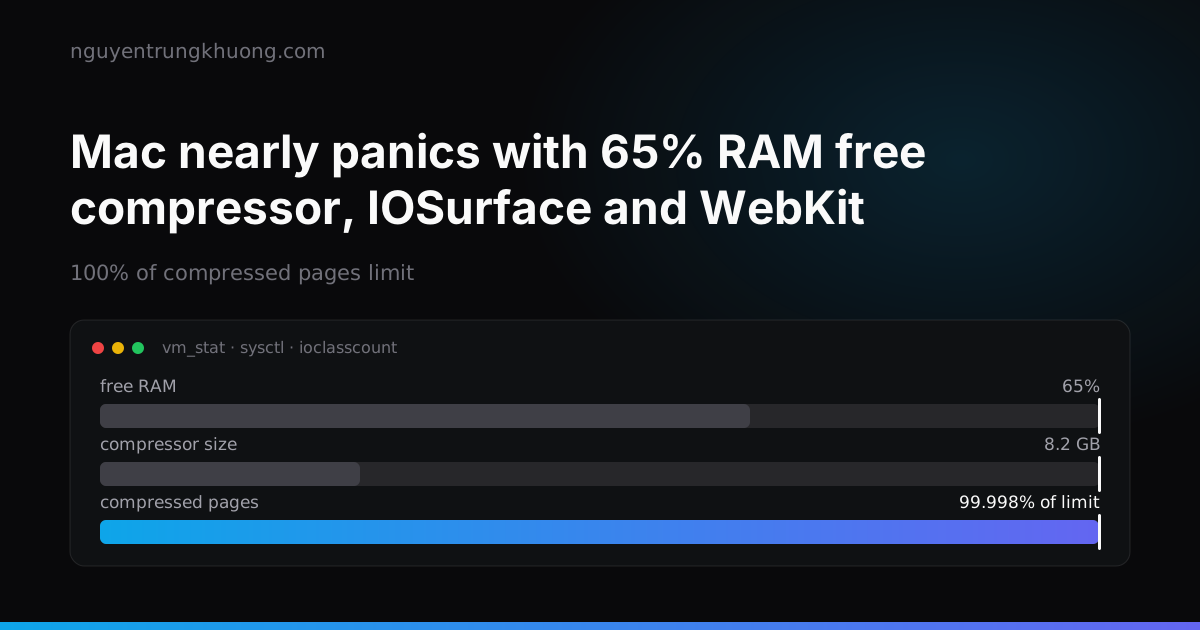 A Mac with 65% RAM free nearly panicked: the compressor, IOSurface and Playwright's WebKitA 32 GB Mac Studio panicked with 100% of compressed pages limit, then came close to a second panic that evening while RAM still showed 65% free. The page count in the compressor had filled up, and the culprit was IOSurface that Playwright WebKit left in the kernel.read more →
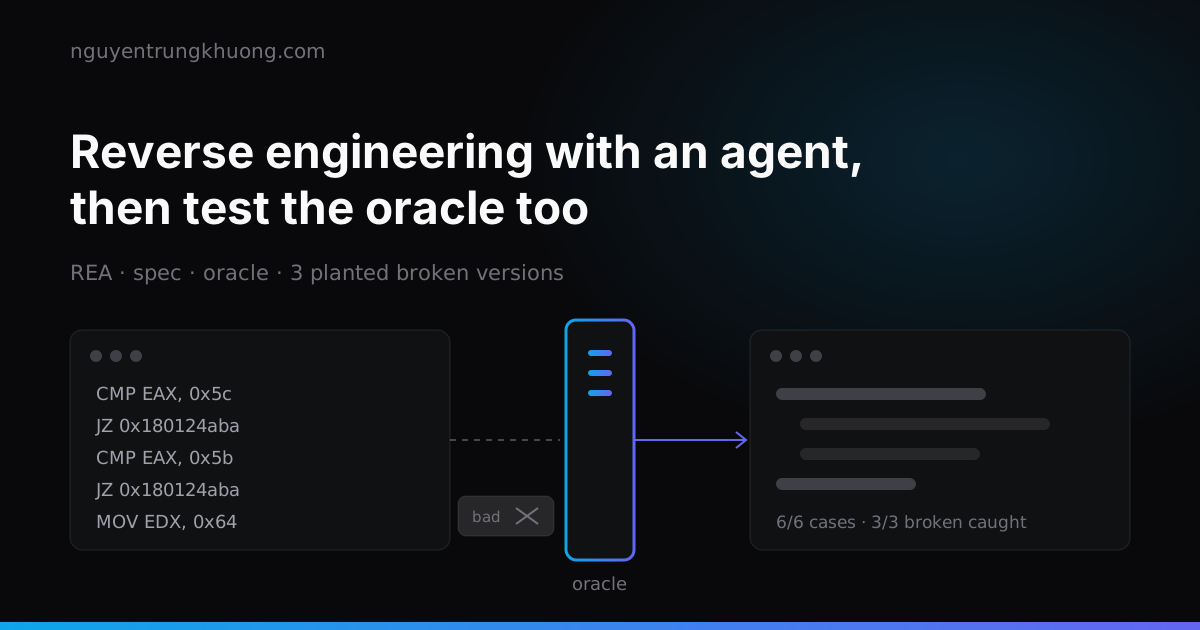 REA: letting an agent reverse engineer software, then testing the oracle tooREA lets a coding agent read a program that has no source, down to machine code, then rebuild that feature in its own code. Whether the rebuild is right is up to the oracle, and the oracle is code too, with its own bugs.read more →
 Top 10 Claude Code skills by GitHub stars: what each one does and which ones overlapThe ten Claude Code skill sets with the most GitHub stars on 29 Oct 2026: Superpowers, Matt Pocock Skills, Karpathy Skills, Anthropic Skills, Ponytail, UI UX Pro Max, Graphify, Caveman, Agent Skills, Taste Skill. Each one with its install command, what it does and where it overlaps with another set.read more →